ERP Implementation in Construction: Why It’s Harder Than It Looks
Most contractors don’t realize how complex ERP implementation is until they’re knee-deep in it. We’ve seen it happen again and again. A company buys an ERP thinking it’ll magically fix cost overruns or streamline procurement. Six months in, they’re stuck with half-configured modules and teams still using Excel. Sound familiar?
The problem isn’t the software. It’s the process. ERP implementation isn’t just about installing a system—it’s about changing how your teams work. Without proper planning, it’s a recipe for chaos.
So, how do you get it right? Here are 7 best practices we’ve learned after helping 200+ contractors implement systems like JobNext. No fluff, just actionable advice.
1. Start With the Biggest Pain Point
Don’t try to fix everything at once. Pick one high-impact area—billing, procurement, or cost tracking—and focus there first.
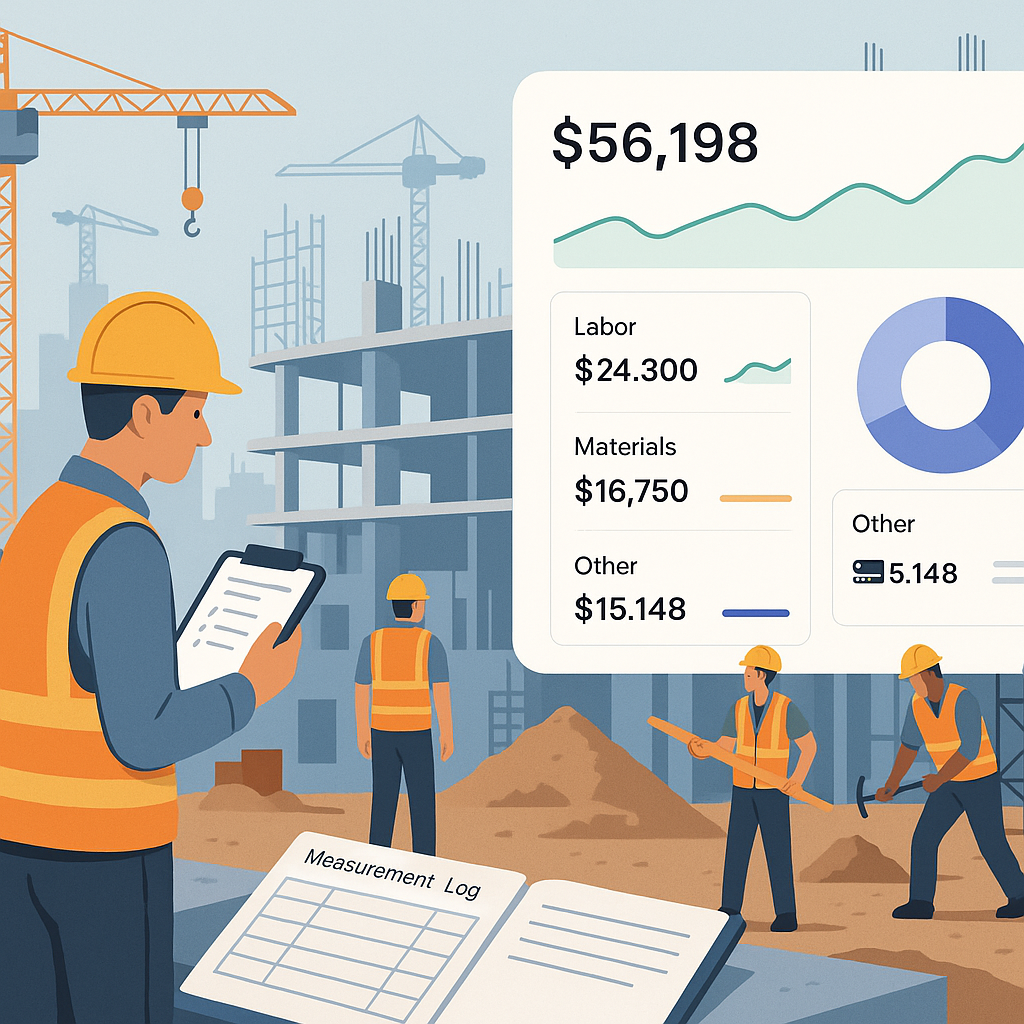
Example: One of our clients, a mid-size MEP contractor in UAE, was bleeding margins because of delayed RA bills. Subcontractors would submit measurements late, billing cycles would stretch, and cash flow would choke. We started by implementing JobNext’s measurement-based billing module. Within three months, RA bill cycles went from 45 days to 20.
What’s the takeaway? Solve the pain point that’s costing you the most money first. Everything else can wait.
2. Map Your Workflows Before You Start
ERP systems aren’t plug-and-play. You need to configure them to match how your teams actually work.
Sit down with your project managers, procurement team, and finance heads. Map out workflows step by step. For example:
- How does a material request get raised? Who approves it?
- What happens when a subcontractor submits an invoice?
- How are variations and change orders tracked?
Pro Tip: Use visual tools like Lucidchart or Miro to document workflows. Make sure everyone agrees on the process before touching the ERP.
3. Don’t Skip Training (Seriously, Don’t)
This might sound obvious, but it’s the #1 reason ERP implementations fail. If your teams don’t know how to use the system, they’ll go back to spreadsheets. Guaranteed.
How to Get It Right:
- Train in small groups (e.g., site admins, project managers, finance staff).
- Make training role-specific. A site engineer doesn’t need to learn bank reconciliation.
- Use real project data during training. Generic examples won’t stick.
We’ve found that training sessions are 2x more effective when they’re hands-on. Don’t just demo the system—let your team practice real tasks.
4. Start Simple, Then Expand
A full ERP rollout across all modules sounds great on paper. But in real life? It’s a disaster waiting to happen.
Focus on a few key modules (e.g., procurement and billing) and get them working smoothly. Add other modules—like HR or equipment management—once your team is comfortable.
Case in Point: A general contractor in India tried rolling out 10 ERP modules simultaneously. Six months later, half the modules were still inactive, and users were frustrated. We helped them reset by focusing on JobNext’s procurement workflow (MR → RFQ → PO) first. Once that stabilized, we added subcontractor management and billing.
What’s the lesson here? Crawl before you walk.
5. Use Real-Time Reporting to Drive Adoption
The easiest way to get buy-in? Show your team how the ERP makes their lives easier.
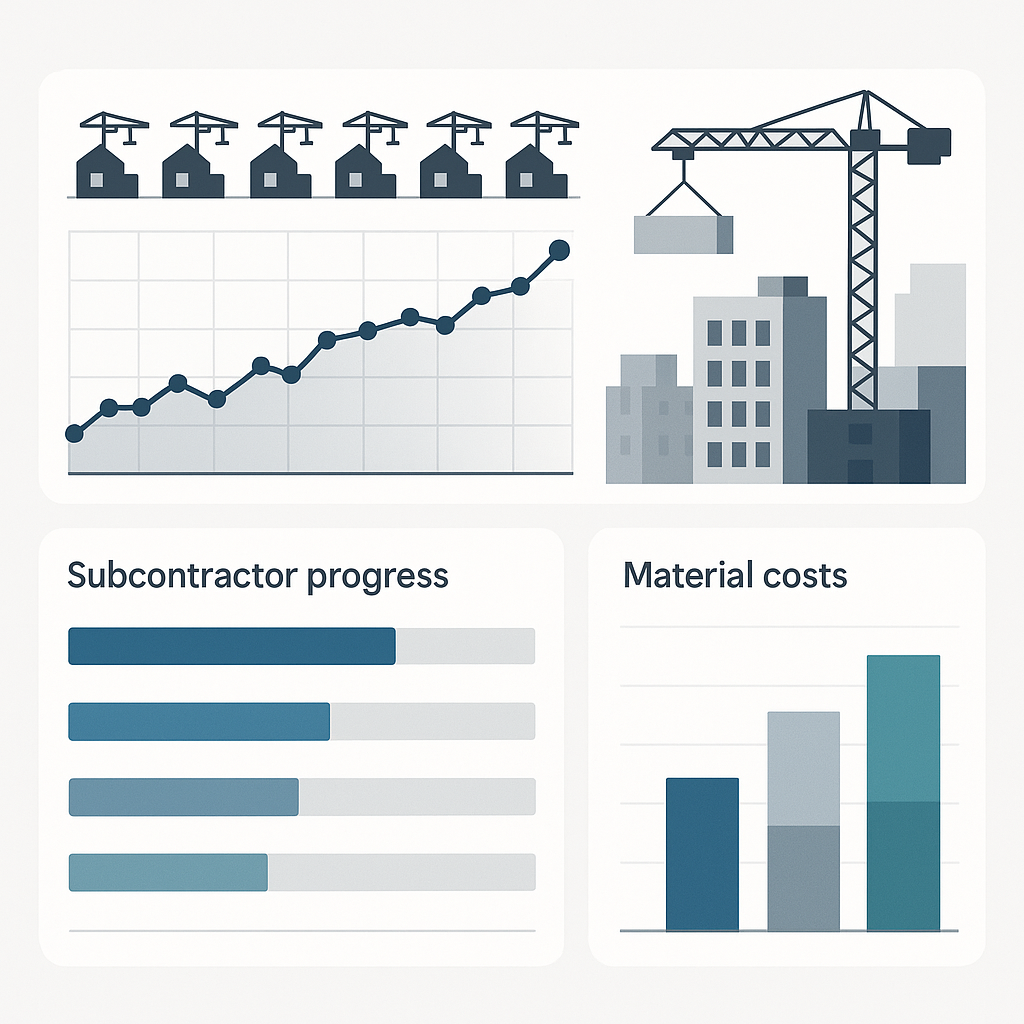
Real-time dashboards are a game-changer. Project managers can see cost overruns as they happen. Finance teams get instant updates on receivables. No more chasing down Excel sheets.
Example: One contractor using JobNext reduced procurement delays by 30% just by using the live purchase order dashboard. Site teams could see exactly which MRs were pending approval and follow up accordingly.
Show your team the value, and they’ll actually use the system.
6. Assign a Dedicated ERP Champion
ERP implementation isn’t an IT project. It’s a business transformation. You need someone who understands both the software and your operations to drive the process.
This person should:
- Coordinate between vendors, IT, and end-users.
- Handle configuration changes based on feedback.
- Ensure deadlines (and budgets) are met.
Pro Tip: Don’t make the ERP champion an overstretched project manager or finance head. They’ll never have enough time to do it right. Dedicate someone full-time, at least for the first 6-12 months.
7. Monitor, Tweak, Repeat
ERP implementation doesn’t end with go-live. You’ll run into issues—workflows that don’t fit, reports that don’t make sense, users who resist change. That’s normal.
The key is to treat it as an ongoing process. Review your workflows regularly. Collect feedback from users. Make tweaks as needed.
Example: One HVAC contractor found that their subcontractor payment workflow wasn’t working. Subcontractors were submitting invoices with missing measurements, and finance teams were rejecting them. We reconfigured JobNext to require measurement approvals before invoices could be raised. Problem solved.
Ready to Start?
ERP implementation is hard, but it’s worth it. Done right, it can transform how your business runs. The key is to start small, focus on real problems, and keep refining.
If you’re wondering how to track costs or streamline procurement effectively, check out this blog post. It dives deeper into how cloud ERP can solve margin erosion.
And if you’re ready to see what a real construction ERP looks like, JobNext is worth a look. It’s built for contractors like you—no fluff, just tools that work.
Ready to see JobNext in action?
Multi-tenant SaaS ERP for construction, facilities management, and contracting — covering preconstruction, project execution, procurement, HR & payroll, equipment, finance, and 150+ analytics reports.
Get Started Free →Learn more at JobNext.ai - Construction ERP