ERP Implementation is Harder Than It Looks
Let’s not sugarcoat it: ERP implementations fail more often than they succeed. According to Strategies Group, 75% of ERP implementations exceed budgets, and 83% of users report data issues post-launch. The construction industry, with its fragmented workflows and tight margins, is especially vulnerable.
But it doesn’t have to be this way. After working on 200+ ERP projects for contractors, we’ve seen what works—and what doesn’t. Here are seven steps to ensure your ERP deployment delivers results.
1. Start with a Real Problem, Not a Wishlist
The biggest mistake? Treating ERP like a magic wand. It’s not. If you don’t know what specific problem you’re solving, the system won’t fix it.
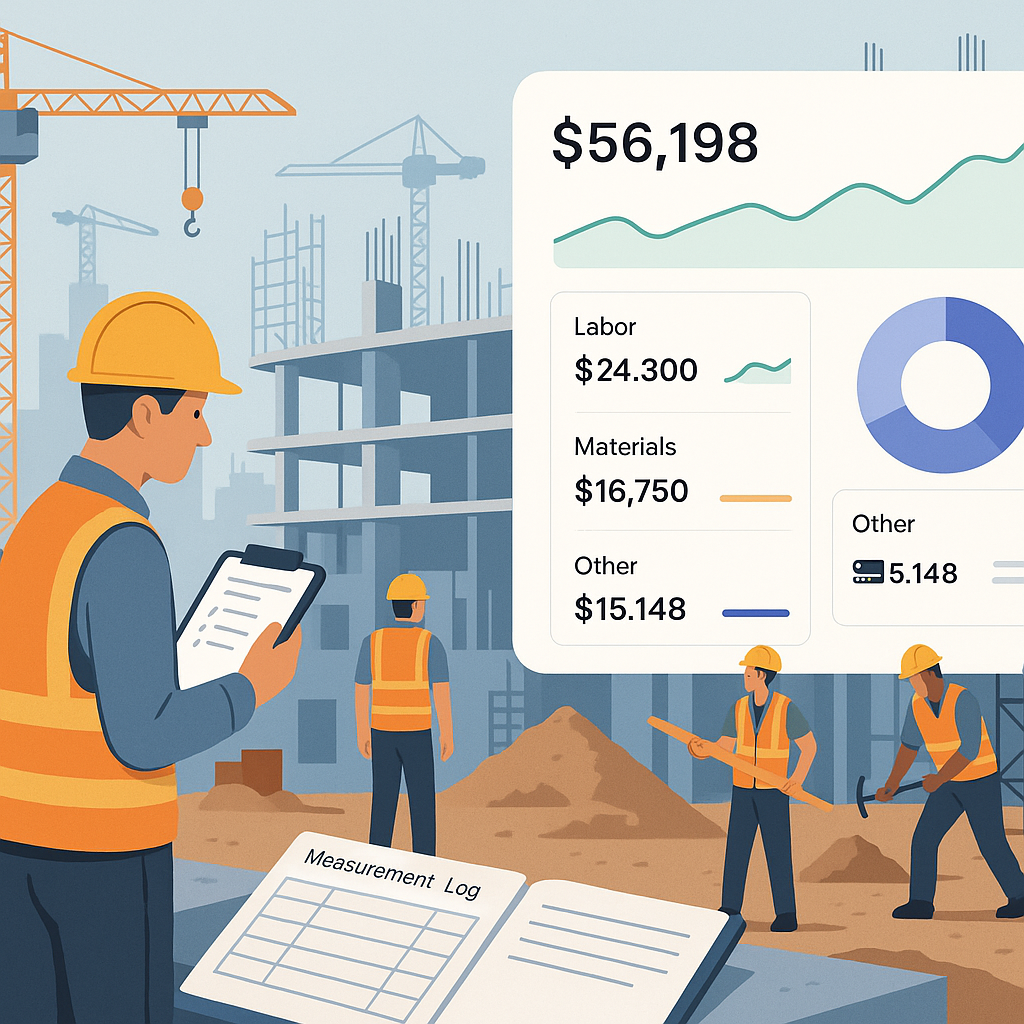
For example, many contractors bleed margins because they can’t track project profitability in real-time. One client we worked with was running 15 concurrent projects but had no idea which ones were profitable until the financial year closed. By the time they found out, they’d already lost money.
Solution? Focus on real-time cost tracking. A tool like JobNext lets you monitor profitability down to the BOQ line. If you don’t need that level of detail, you might not need an ERP at all.
2. Pick a System That Fits the Way You Work
Don’t force your business to adapt to the software. Find software that adapts to you. For contractors, this means:
- Supporting complex billing methods (e.g., RA bills, stage-wise, combined).
- Handling multi-site HR operations (attendance, payroll, and staff allocation).
- Managing procurement workflows (MR → RFQ → PO).
If your ERP doesn’t support these workflows out of the box, you’ll spend months—and a fortune—on customization. JobNext is designed for construction, so these features are baked in. Generic ERPs? Not so much.
3. Map Your Workflows Before You Touch the Software
You wouldn’t build a project without a blueprint. ERP is no different. Before implementation, map out your workflows:
- How do you raise material requests (MRs)?
- Who approves RFQs?
- What happens if subcontractor measurements are disputed?
Document these workflows in detail. This will:
- Highlight inefficiencies you can fix.
- Make configuration faster (and cheaper).
- Avoid confusion during training.
Pro tip: Use tools like Lucidchart or Visio to create visual workflows. Share them with both your team and the ERP vendor.
4. Phase Your Rollout by Department
Don’t implement everything at once. It’s tempting to go live with finance, HR, procurement, and project execution simultaneously, but it’s a recipe for chaos. Instead, phase it out:
- Start with finance (it’s the backbone).
- Add procurement next (to control costs).
- Finally, integrate HR and project execution.
This phased approach minimizes disruption. It also gives your team time to adapt—and your vendor time to fix bugs.
5. Train Like Your Business Depends on It (Because It Does)
Most ERP failures boil down to one thing: poor training. If your team doesn’t know how to use the system, it doesn’t matter how good the software is.
Here’s what works:
- Start training during configuration, not after.
- Use real data (your BOQs, not generic templates).
- Focus on role-specific training (don’t make your site engineers sit through a finance module).
And don’t assume one training session is enough. Schedule refreshers post-go-live.
6. Test Every Scenario Before Go-Live
We’ve seen too many contractors skip testing. Don’t. This is where you catch mistakes before they cost you real money. Test:
- All billing methods (e.g., RA bills, stage-wise invoices).
- Procurement workflows (MR → RFQ → PO).
- Subcontractor payments (WR → RFP → WO → Measurements).
- Multi-currency transactions (if you work in GCC).
Run these tests with your actual data. Fake data won’t reveal edge cases.
7. Plan for Post-Go-Live Support
ERP doesn’t end at go-live. That’s when the real work starts. The first 90 days are critical. You’ll need:
- A dedicated support team (internal or vendor-provided).
- Weekly check-ins to address issues.
- A feedback loop for future improvements.
If your ERP vendor doesn’t offer post-go-live support, find one who does. JobNext includes ongoing support as part of its implementation package.
The Bottom Line
ERP implementation isn’t easy, but it’s worth it if you get it right. Follow these seven steps, and you’ll avoid the mistakes that sink most projects. Need a system built for contractors? Check out JobNext. It’s designed to handle the unique challenges of construction workflows.
Got questions? Drop them in the comments. Our team’s happy to help.
Ready to see JobNext in action?
Multi-tenant SaaS ERP for construction, facilities management, and contracting — covering preconstruction, project execution, procurement, HR & payroll, equipment, finance, and 150+ analytics reports.
Get Started Free →Learn more at JobNext.ai - Construction ERP