Why Most ERP Implementations Fail (And How to Avoid It)
Let’s start with a hard truth: ERP implementations fail a lot. Studies show that 70% of ERP projects don’t deliver the expected ROI. For contractors, the stakes are even higher. Missed billing workflows, compliance gaps, or poor cost tracking can torpedo margins you can’t afford to lose.
So how do you get it right? From 200+ projects we’ve worked on, here are the 7 best practices that make or break ERP deployments in construction:
1. Define Clear Objectives Before You Start
This sounds basic, but it’s where most teams stumble. Why are you implementing an ERP? If your answer is vague—"to be more efficient," "to improve reporting"—you’re setting yourself up for failure.
Concrete goals look like this:
- "Track project profitability in real time across BOQs."
- "Eliminate manual errors in subcontractor payments by automating measurement-based workflows."
- "Ensure 100% compliance with GST/TDS by integrating ERP with statutory tools like Tally."
We’ve seen companies spend months (and crores) on ERP setups that didn’t solve their real problems. Don’t be that company. Write down your objectives. Get buy-in from your team. Then build everything around those goals.
2. Focus on Standardized Workflows, Not Customization
Here’s a trap we see often: teams want the ERP to match their current processes exactly. That’s a mistake. Customizing an ERP to fit “the way we’ve always done it” is expensive and risks breaking during updates.
Instead, adapt your processes to match proven ERP workflows. For example, JobNext’s procurement workflow (MR → RFQ → Vendor Offers → PO) is designed to avoid manual chaos. It introduces approval chains that prevent unauthorized spending. Contractors who standardized on this have cut procurement cycle times by up to 40%.
Yes, it’s hard to change how teams work. But it’s worth it.
3. Data Migration: Start Clean or Don’t Start at All
Migrating messy data into an ERP is like pouring kerosene on a fire. If your existing data—vendor lists, item codes, employee records—is incomplete or inconsistent, fix it before migration.
Here’s an example: One contractor we worked with had duplicate entries for the same vendor across 15 projects. When they tried to automate vendor payments, it created chaos—double payments, missed GST deductions, you name it. We had to stop, clean the data, and start over.
A good rule of thumb? Spend 20–30% of your implementation time on data prep. It’ll save you months of headaches later.
4. Choose Billing Workflows That Cover All Scenarios
Billing is where many contractors bleed revenue. Miss one RA bill or delay a stage-wise invoice, and your cash flow takes a hit. That’s why your ERP needs to handle every billing method you use.
For instance, JobNext supports 6 billing methods: RA Bills, stage-wise, monthly, supply BOQ, combined, and one-time. During a recent rollout for an interior contractor, this flexibility ensured they didn’t miss invoicing for materials supplied separately from execution work. The result? A 15% reduction in revenue leakage.
If your ERP can’t handle complex billing, it’s not the right ERP.
5. Train Your Team Like You Mean It
Here’s a stat that should scare you: 60% of ERP failures are due to poor user adoption (source: Strategies Group).
Your team won’t magically know how to use the system just because it’s live. You need structured training—role-based, hands-on, and ongoing. For example, we recommend:
- Superuser training: Start with a small group who deeply understand the ERP.
- On-site workshops: Show teams how to use the ERP in their actual workflows.
- Follow-up sessions: After 3 months, revisit gaps and retrain as needed.
6. Test Everything Before You Go Live
Think of your ERP as a machine. Would you turn it on in front of clients without testing it? Of course not. But we’ve seen companies skip testing because they’re in a rush to go live.
Wrong move. Always test key workflows with real data:
- Create a sample project and run it through from tendering to billing.
- Process a mock payroll cycle and check compliance (e.g., GST, TDS, PF).
- Simulate procurement approvals to see if escalation rules work.
During a JobNext implementation for an HVAC contractor, testing revealed that their subcontractor workflows weren’t capturing all deductions. Catching this early saved them lakhs.
7. Monitor Margins from Day One
ERP isn’t a silver bullet. You won’t see ROI just by turning it on. To make it work, you need to use it actively—especially for margin tracking.
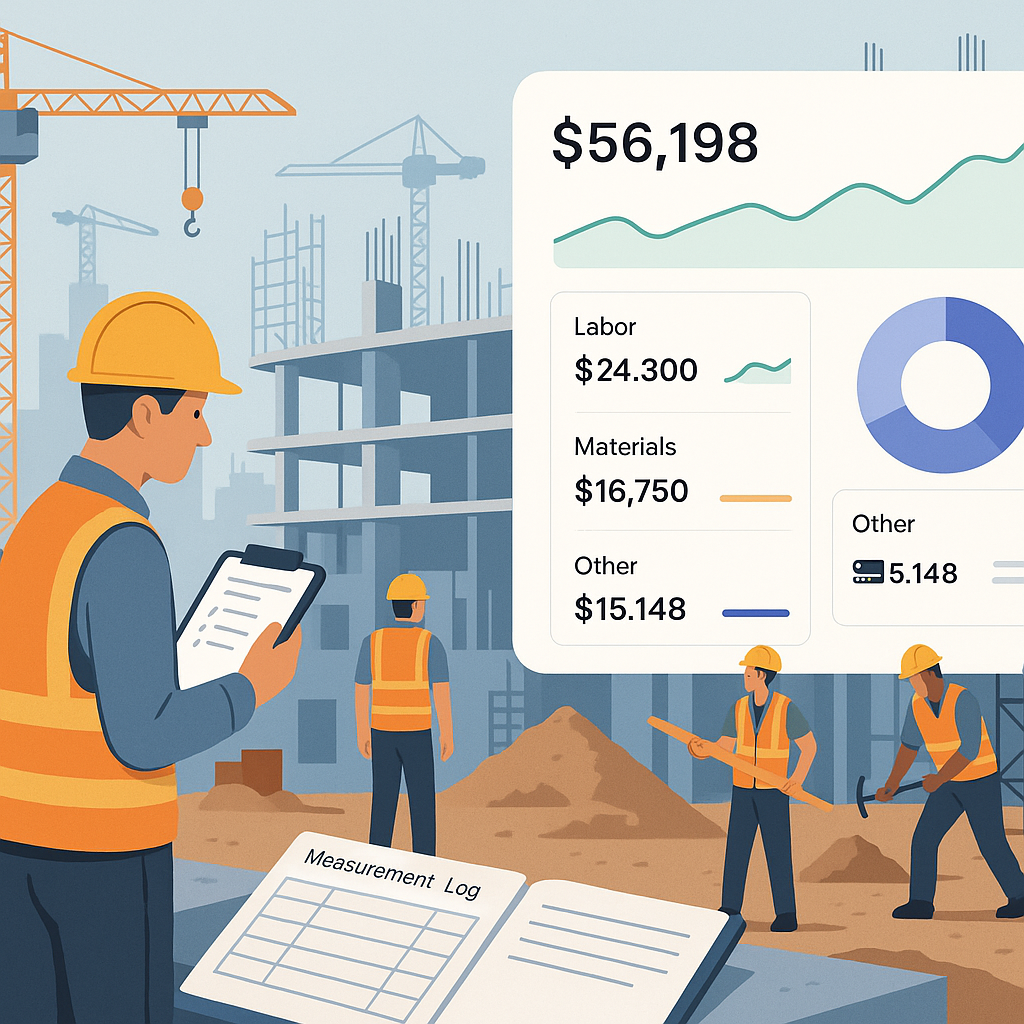
JobNext’s real-time dashboards show profitability across projects, BOQs, and scopes. One landscaping contractor we worked with used this to identify which projects were bleeding money. They renegotiated supplier rates and reallocated resources, turning a 5% loss into a 10% profit.
The lesson? Data is only useful if you act on it.
Final Thoughts
ERP implementation isn’t easy. But it’s not rocket science, either. Follow these 7 steps, and you’ll avoid the common traps that derail so many projects.
And if you’re wondering how to stop margin erosion, check out this practical guide from JobNext: Why Contractors Lose Margins Without Cloud ERP (And How to Fix It). It’s packed with real-world examples that show how cloud ERP solves the exact problems contractors face.
Ready to start your ERP journey? Let’s make sure you get it right.
Ready to see JobNext in action?
Multi-tenant SaaS ERP for construction, facilities management, and contracting — covering preconstruction, project execution, procurement, HR & payroll, equipment, finance, and 150+ analytics reports.
Get Started Free →Learn more at JobNext.ai - Construction ERP