Let’s Talk About Procurement: The ERP Blindspot
Ever watched a procurement process fall apart in real-time? Materials ordered late. POs stuck in approval limbo. Vendors delivering half the quantity promised. It’s chaos. And it costs contractors big money — ₹25 lakh or more annually, according to JobNext. Yet, most contractors barely consider procurement when planning ERP implementation. They focus on finance or billing instead.
That’s a mistake.
Procurement isn’t just about buying stuff. It’s about controlling costs, timelines, and vendor relationships. Get it wrong, and your margins bleed. But get it right, and you’ll see immediate ROI on your ERP system.
The Biggest Procurement Problems During ERP Deployments
Most procurement issues during ERP implementation boil down to one thing: resistance to change. Here’s what typically goes wrong:
- Unstructured Material Requests (MRs): Teams submit MRs via WhatsApp or email. This makes tracking requests impossible and increases the risk of miscommunication.
- Approval Bottlenecks: Approvals sit in someone’s inbox, delaying orders by days or weeks. Meanwhile, projects stall.
- Manual RFQs and PO Creation: Teams waste hours creating RFQs manually, consolidating vendor quotes across emails, and then drafting POs in spreadsheets.
- Poor Vendor Management: Without a unified database, teams rely on outdated or incomplete vendor information, leading to unreliable suppliers, payment disputes, and missed deadlines.
Sound familiar? If you’re nodding, you’re not alone. These are common pain points we’ve seen in over 200 ERP deployments.
Specific Examples:
- One contractor shared how unapproved material requests led to duplicate orders. Two site engineers unknowingly ordered steel rods for the same project, costing the company ₹5 lakh in unnecessary expenses.
- Another company faced project delays of up to three weeks because the PO approval process required manual signatures from three different managers — one of whom was on leave.
- A mid-sized contractor relied on a local supplier who repeatedly delivered late. Without a vendor performance tracker, they didn’t realize the delays were costing them ₹10 lakh annually in penalties.
Best Practices for Procurement in ERP Implementation
So, how do you fix this? By focusing on structured procurement workflows during your ERP rollout. Let’s break it down into actionable steps:
1. Start with a Clear MR Workflow
Your ERP should enforce a structured Material Request (MR) workflow. Example: JobNext uses an MR → RFQ → Vendor Offers → PO chain. This ensures every request goes through the proper channels with full approval tracking.
Why does this matter? Because unapproved MRs often lead to over-ordering or wasted materials. With a structured workflow, you’ll know exactly who requested what — and why.
Actionable Steps:
- Map your existing MR process. Identify bottlenecks (e.g., delays in approvals).
- Configure your ERP to enforce a standard workflow. Ensure fields like quantity, specifications, and approval hierarchy are mandatory.
- Train your team to use this workflow consistently.
2. Automate RFQs and Vendor Comparisons
Stop wasting time manually emailing vendors for quotes. Modern ERPs like JobNext let you auto-generate RFQs and compare vendor offers side-by-side. This speeds up decision-making and ensures you get the best deal.
Case Study: A Pune-based real estate developer reduced their RFQ processing time by 60% after switching to automated vendor comparisons in their ERP. By having all quotes in a single dashboard, they could negotiate better rates and saved ₹15 lakh in just one year.
Actionable Steps:
- Create a list of approved vendors with their contact details and product catalogs.
- Use your ERP to auto-generate RFQs and send them simultaneously to multiple vendors.
- Use comparison charts to evaluate offers based on price, lead time, and quality.
3. Centralize Vendor Management
A good ERP includes a vendor database. Use it. Update vendor details regularly and track performance metrics (like on-time delivery rates). This makes it easier to blacklist unreliable suppliers and reward high-performing ones.
Example: An infrastructure contractor in Delhi identified their top-performing vendor (98% on-time delivery rate) through ERP tracking. They negotiated a long-term contract with this vendor, reducing costs by 10%.
Actionable Steps:
- Maintain a centralized vendor database in your ERP. Include contact info, past orders, payment terms, and performance metrics.
- Conduct quarterly reviews to evaluate vendor performance.
- Automate reminders for vendor re-certification or contract renewals.
4. Enforce Approval Workflows
Approvals shouldn’t depend on who’s in the office. Look for an ERP with multi-level, role-based approval workflows. Example: JobNext’s mobile app lets managers approve POs on the go, cutting delays.
Actionable Steps:
- Define approval hierarchies for different order values. For example, orders below ₹1 lakh may need one approval, while larger orders require two.
- Set up mobile notifications for pending approvals.
- Use ERP dashboards to track approvals in real time.
5. Track Procurement Costs in Real-Time
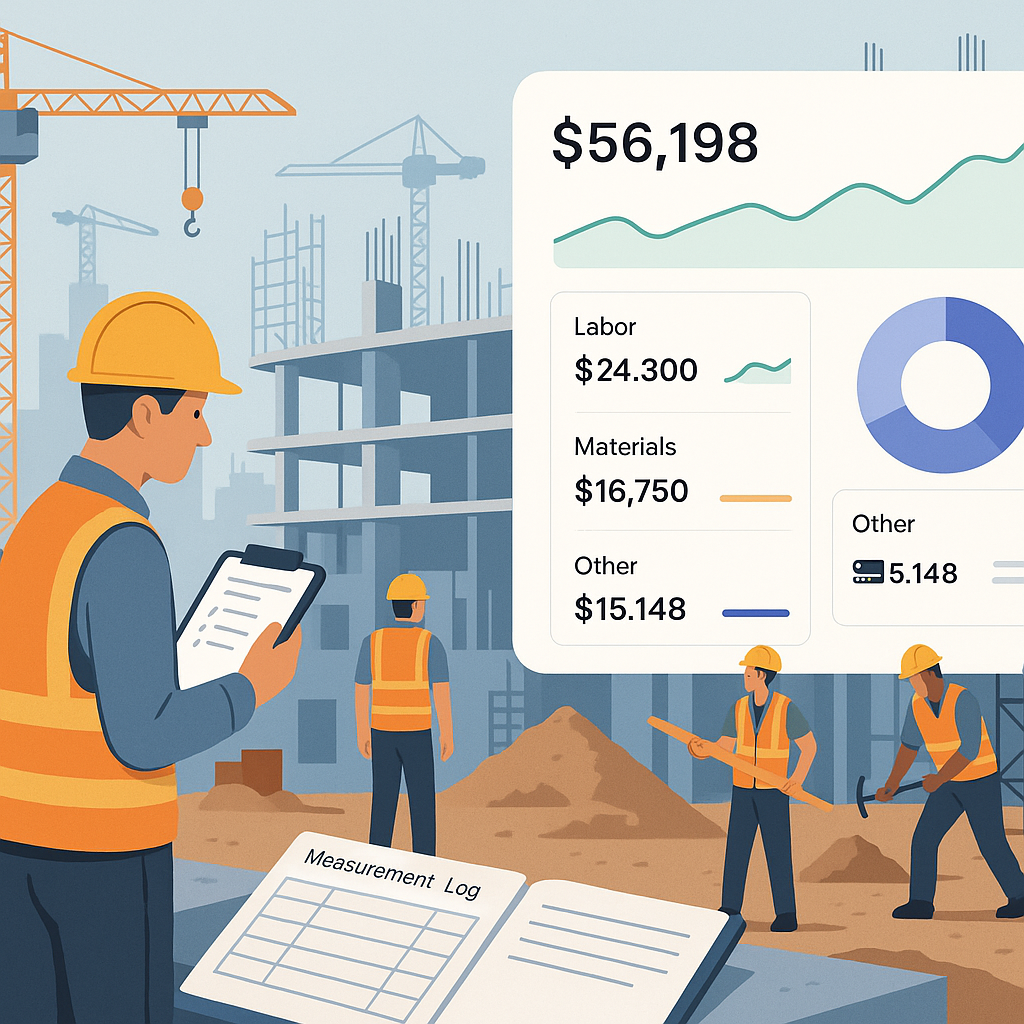
Your ERP should tie procurement costs directly to project budgets. This helps you track real-time spending against BOQs and avoid cost overruns. JobNext does this with dashboards that show exactly where your money’s going.
Actionable Steps:
- Integrate BOQs with your ERP’s procurement module.
- Set up alerts for budget overruns.
- Use cost-tracking dashboards to identify high-expense categories and optimize spending.
A Real-World Example: How One Contractor Saved ₹25 Lakh
One of our clients, a mid-sized MEP contractor in Mumbai, was losing ₹20–25 lakh annually to procurement inefficiencies. They relied on emails and spreadsheets to manage MRs and POs. Approvals took days, materials arrived late, and vendor disputes were common.
After implementing JobNext, they moved to a structured MR → RFQ → PO workflow with automated approval chains. Within six months, they:
- Reduced material delivery delays by 40%
- Cut procurement overheads by ₹12 lakh
- Negotiated better rates with vendors using historical performance data
The result? A more efficient, transparent procurement process — and a healthier bottom line.
Why Procurement Should Be a Priority
Procurement often gets overlooked in ERP implementations because it’s seen as a back-office function. But here’s the thing: procurement drives project costs. If you’re serious about improving margins, it deserves just as much attention as billing or finance.
Consider These Data Points:
- Procurement inefficiencies account for 30–40% of total project delays, according to a report by the Construction Industry Development Council (CIDC).
- Companies with automated procurement workflows saw a 15–20% reduction in material costs, per a 2022 Deloitte study.
So, don’t wait for procurement problems to spiral out of control. Build a strong foundation during your ERP rollout with structured workflows and real-time tracking. It’s the fastest way to see ROI.
Comparison Table: Manual Procurement vs. ERP-Based Procurement
| Feature | Manual Procurement | ERP-Based Procurement |
|---|---|---|
| Material Requests | WhatsApp/Email (Unstructured) | Structured MR Workflows |
| RFQ Creation | Manual, Time-Consuming | Automated RFQ Generation |
| Vendor Evaluation | Informal, Prone to Errors | Side-by-Side Vendor Comparisons |
| Approval Process | Dependent on Physical Signatures | Role-Based, Mobile Approvals |
| Cost Tracking | Fragmented, Post-Facto | Real-Time Tracking Against Budgets |
| Vendor Performance Tracking | Rare or Nonexistent | Centralized, Data-Driven Insights |
FAQ
1. Can I implement procurement workflows without an ERP?
You can, but it’s messy. Tools like spreadsheets and emails work for small teams but don’t scale. You’ll spend more time managing data than making decisions.
2. How long does it take to set up procurement workflows in an ERP?
For most contractors, it takes 4–6 weeks to configure workflows and train teams. The key is to start small. Roll out the MR → RFQ → PO chain first, then add vendor management later.
3. What if my team resists the new workflows?
Resistance is normal. Start by involving your team early in the process. Show them how the new system saves time and reduces errors. And don’t forget training — it’s essential.
4. Do all ERPs offer structured procurement workflows?
No. Many systems treat procurement as an afterthought. Look for ERPs like JobNext that prioritize structured workflows and real-time cost tracking.
5. Can I integrate my ERP with existing procurement tools?
Yes, if your ERP allows integrations. For example, JobNext integrates with Tally for statutory reporting, so you don’t lose existing data.
Ready to Fix Your Procurement Chaos?
If your projects are bleeding money due to procurement inefficiencies, JobNext can help. Its structured workflows and real-time dashboards ensure you’re always in control. Learn more here →
Learn more at JobNext.ai - Construction ERP