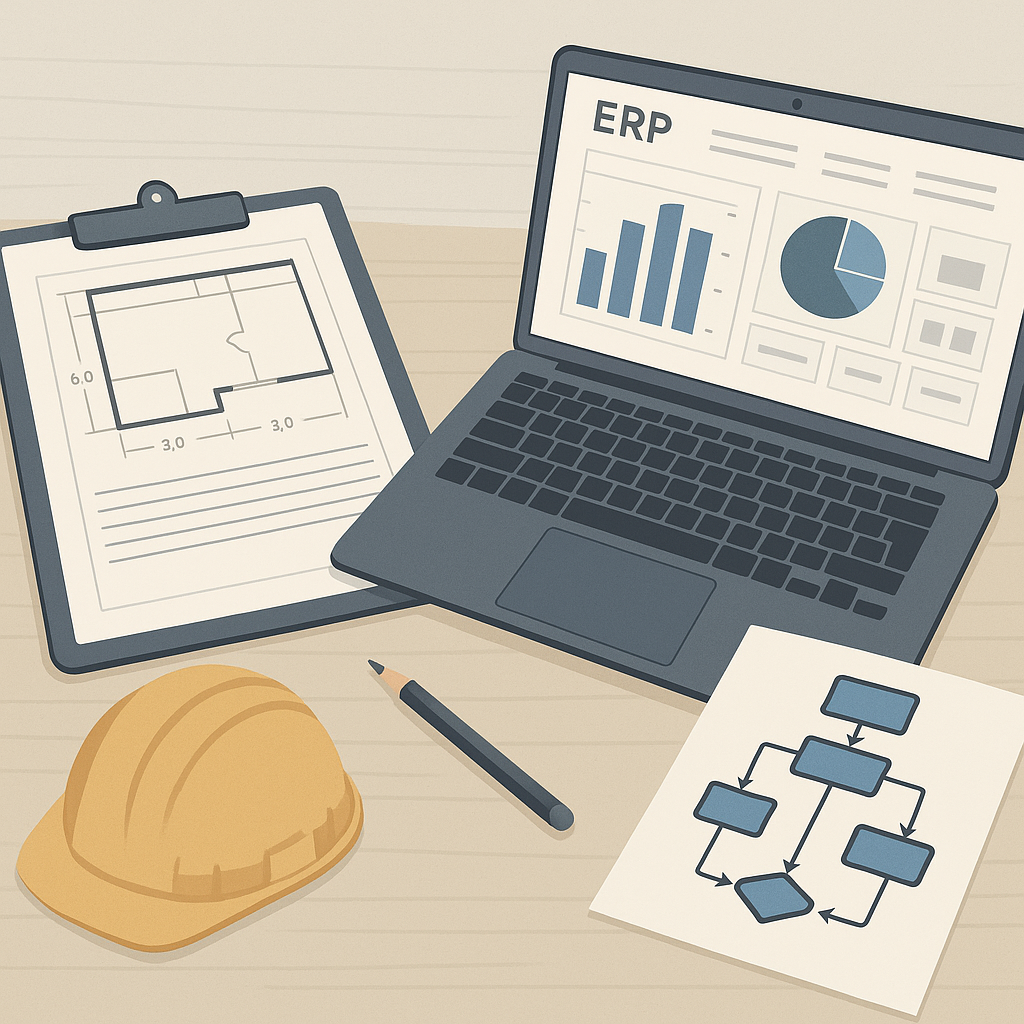
ERP Implementation in Construction: Why It’s So Hard
Most contractors underestimate ERP implementation. They think it’s just about installing software and training staff. Wrong. It’s about changing how your team works daily — from site engineers to procurement officers to payroll admins. If you’re not ready for that level of change, you’ll fail.
Construction is particularly tricky because projects are chaotic. Scope changes mid-project. Subcontractors delay delivery. Billing terms vary across clients. Your ERP has to handle all this without breaking down. That’s why implementation needs a plan.
Let’s break it into seven critical best practices.
1. Define Clear Goals Before You Start
Why are you implementing ERP? If your answer is “to modernize,” you’re already off track. ERP has to solve specific problems. For construction, these typically include:
- Poor cost tracking leading to margin erosion
- Manual procurement chaos (missed RFQs, delayed POs)
- Revenue leakage from errors in RA Bills or stage-wise billing
- Payroll complexity across multiple sites
Write down your goals. Be specific. For example: “We want to track project profitability across BOQs in real-time to reduce margin erosion by 15%.”
2. Pick an ERP Built for Construction
Generic ERPs won’t cut it. You need features tailored to contracting workflows. For example:
- Material procurement workflows (MR → RFQ → Vendor Offers → PO)
- Subcontractor management (WR → RFP → WO → Measurements)
- Billing methods (RA Bills, supply BOQ, stage-wise, combined invoices)
Tools like JobNext are built specifically for construction. One client, a 6,000-employee facilities management company, used JobNext to cut payroll cycles from 21 days to 7. You can read their story here.
3. Don’t Skip Data Migration
Bad data kills ERP projects. If you don’t clean up your BOQs, WBS, vendor lists, and payroll records, your ERP will be useless. Spend time verifying and standardizing your data before migration.
For example, if your subcontractor data has missing GST/TDS compliance info, fix it. Tools like JobNext automate GST and TDS tracking, but only if your data is accurate.
4. Train Your Team Early
ERP isn’t intuitive, especially for site teams used to Excel sheets and WhatsApp approvals. Start training before deployment. Focus on workflows, not just buttons. For example:
- How to raise material requests (MRs) in the system
- How to approve vendor RFQs online
- How to track subcontractor progress via measurements
5. Set Up Approval Workflows
Construction projects are notorious for chaotic approvals. Material requests get lost. Vendor POs aren’t signed on time. Subcontractor payments exceed budgets.
Use ERP to enforce structured workflows. For example, JobNext lets you set multi-level approval chains for procurement. No PO can be issued without approvals from both project leads and finance controllers. This prevents budget overruns.
6. Don’t Ignore Reporting
Real-time dashboards and reports are what make ERP worth the investment. Without them, you’re flying blind. Track these metrics:
- Project profitability across BOQs
- Subcontractor payment tracking against progress
- Equipment utilization rates
JobNext provides 150+ pre-built SSRS reports. One popular report tracks profitability by scope, helping contractors identify which scopes consistently lose money. Learn more here.
7. Plan for Post-Go-Live Support
The first 6 months after deployment are critical. Your team will stumble. Site engineers will forget how to upload measurements. Finance teams will mess up billing workflows. You need support.
Ensure your vendor offers post-go-live help. A dedicated ERP admin in-house also helps. Think of it as insurance for your investment.
Final Thoughts
ERP implementation isn’t easy, but it’s worth it. Done right, it’ll tighten your operations, reduce margin erosion, and give you visibility across projects. Done wrong, it’ll be an expensive failure. Follow these best practices, and you’ll avoid the common pitfalls.
Want to see how contractors are stopping profit leaks with ERP? Check out 5 Ways Cloud ERP Stops Profit Leaks in Construction Projects.
Ready to see JobNext in action?
Multi-tenant SaaS ERP for construction, facilities management, and contracting — covering preconstruction, project execution, procurement, HR & payroll, equipment, finance, and 150+ analytics reports.
Get Started Free →Learn more at JobNext.ai - Construction ERP