7 ERP Implementation Best Practices Every Construction Contractor Must Know
ERP implementation isn’t rocket science, but it’s also not simple. Mess it up, and you’re stuck with a half-baked system that doesn’t solve your problems — or worse, creates new ones. We’ve seen this happen over and over in construction companies. And the scary part? Over 50% of ERP projects fail to deliver expected outcomes. Let’s make sure yours isn’t one of them.
1. Define Clear Goals
Why are you implementing an ERP? If your answer is vague — “to streamline operations” or “because our competitor has one” — stop right there. Be specific. For instance, are you trying to prevent margin erosion caused by poor cost tracking? Are you looking to centralize procurement workflows? Nail your objectives down, because they’ll guide every decision you make.
We’ve seen contractors lose millions simply because they couldn’t track costs properly. JobNext’s real-time project profitability monitoring, which tracks BOQs and estimates, has saved contractors from losing 3-5% of their margins. That’s the difference between profit and loss. Why Contractors Lose Money Without Cloud ERP (And How To Fix It).
2. Audit Your Current Processes
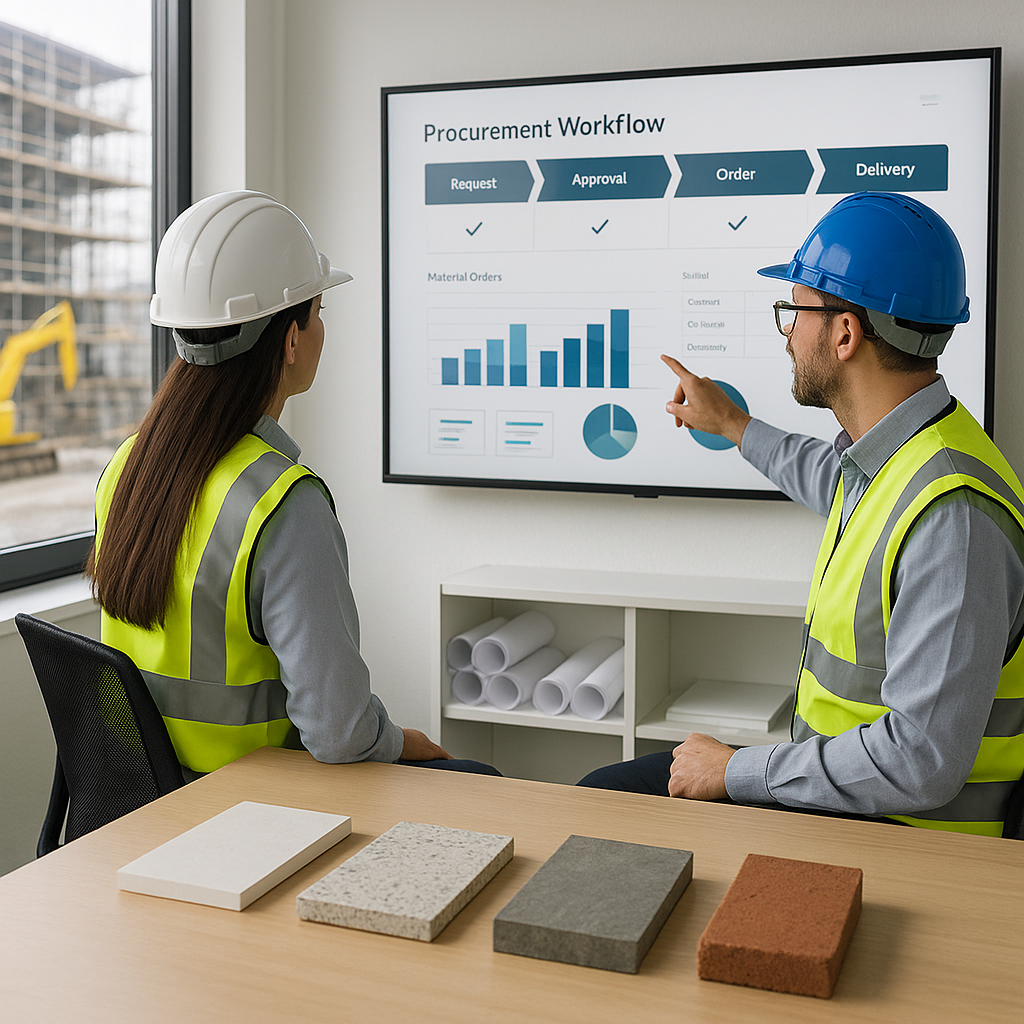
Don’t dive straight into implementation. First, map out your existing workflows. What’s working? What’s broken? For example, if your procurement process is manual and chaotic, an ERP that automates Material Requisition (MR) to Purchase Order (PO) workflows could fix that. But if your billing system works well, don’t overcomplicate it with unnecessary ERP modules.
One contractor we worked with had a solid billing setup but a nightmare procurement system. They implemented JobNext’s structured MR → RFQ → Vendor Offers → PO approval workflows and saw procurement turnaround times shrink by 40%. Start where the pain is.
3. Get Buy-In From Your Team
ERP systems fail when teams resist change. Don’t assume everyone will be on board just because the MD signed off. Involve key players early — project managers, procurement heads, finance controllers. Show them how the ERP will fix their daily headaches. For example, HR teams often resist new systems, but when they see automated payroll and attendance tracking, they’re sold.
4. Don’t Skimp on Training
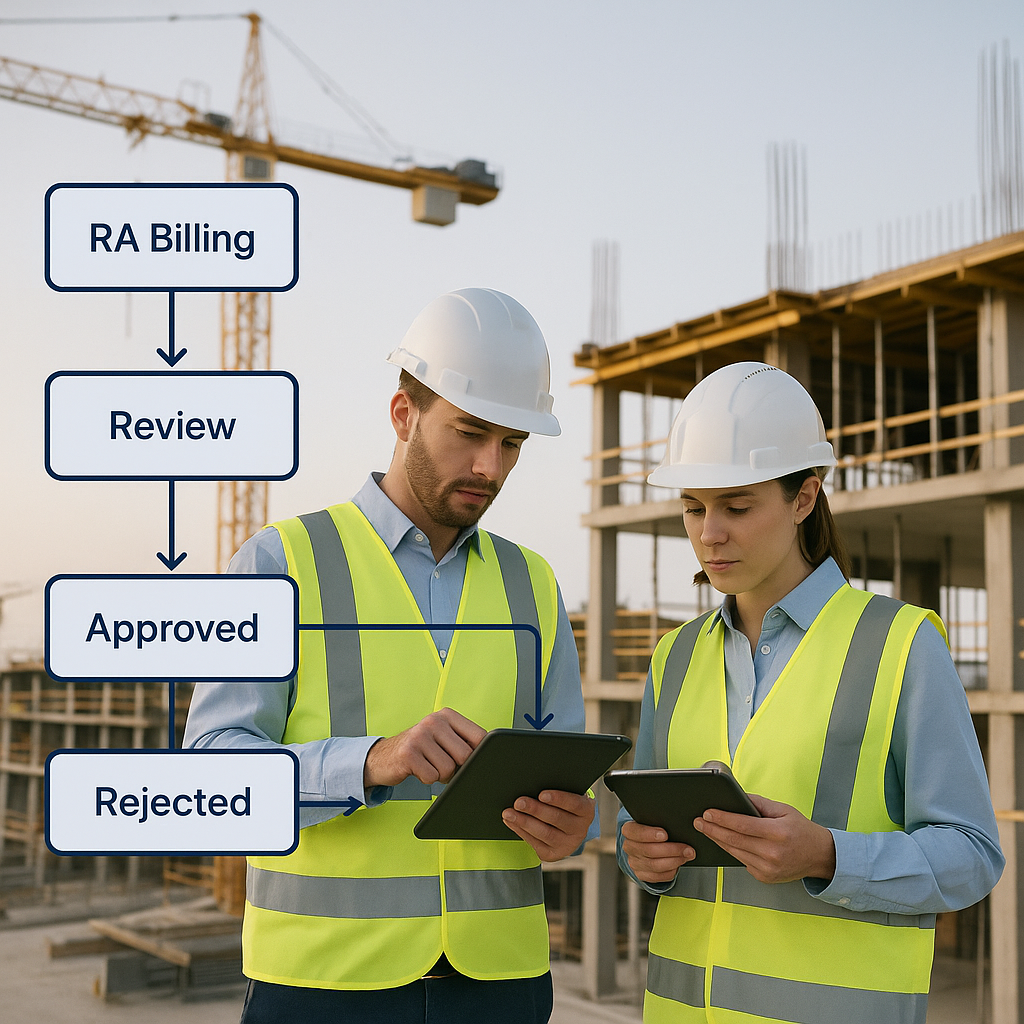
No, your team won’t magically figure out how to use the new system. Allocate time and budget for proper training. That means hands-on sessions, not just a few PDFs. Focus on practical use cases: How to book materials? How to track project margins? How to generate RA bills? JobNext’s team offers tailored training, which includes workflows like subcontractor management and equipment utilization tracking.
5. Start Small
Don’t launch ERP across your entire company at once. It’s like trying to eat an elephant in one bite. Start with one department or one project. For example, if margin tracking is your biggest pain, roll out the profitability monitoring module first. Then expand to procurement, billing, and HR once your team gets comfortable.
6. Test Before You Go Live
Implementation isn’t over when the software is installed. Test everything: workflows, integrations, reports. Can your ERP handle multiple billing methods like RA Bills, monthly billing, and stage-wise billing? If not, you’ll lose revenue. One contractor we helped implemented JobNext’s six billing methods and immediately caught billing leaks worth ₹10 lakh.
7. Don’t Forget Post-Implementation Support
ERP isn’t a “set it and forget it” tool. You’ll need ongoing support to fix bugs, update workflows, and add features. Choose a vendor with proven post-implementation support. JobNext, for instance, offers multi-tenant SaaS with regular updates and live support.
Final Thoughts
ERP implementation in construction isn’t easy, but it’s worth it. Follow these best practices, and you’ll avoid the common traps that lead to failed deployments. And if margin erosion is your biggest pain point, check out How Cloud ERP Saves Construction Contractors from Margin Erosion. It’s a must-read for contractors trying to stay profitable.
Call to Action
Ready to stop margin erosion, streamline procurement, and automate billing? Explore JobNext — the ERP built for contractors.
Ready to see JobNext in action?
Multi-tenant SaaS ERP for construction, facilities management, and contracting — covering preconstruction, project execution, procurement, HR & payroll, equipment, finance, and 150+ analytics reports.
Get Started Free →Learn more at JobNext.ai