Introduction: The $1.2 Trillion Problem Contractors Can’t Ignore
Here’s a gut-punch stat: 70% of construction projects globally exceed their budgets, with overruns averaging 16% of the total project cost, according to McKinsey. On a $50 million project, that’s an $8 million hit — enough to cripple profit margins, delay future bids, and strain relationships with clients and subcontractors. Yet, the reasons contractors lose control of costs are predictable: scope creep, poor forecasting, underestimated labor, and disconnected tools.
We’ve seen it firsthand. Our team has managed projects where labor costs spiraled out of control because field supervisors didn’t have access to budget updates. We’ve watched material price hikes chew through contingency funds because procurement wasn’t tied into real-time data. But it doesn’t have to be this way.
Below, we’ll cover seven proven cost tracking methods that prevent overruns and keep projects on budget. These aren’t theoretical frameworks — they’re field-tested strategies we’ve used on job sites and fine-tuned with ERP systems like JobNext.ai. Let’s dive in.
1. Real-Time Cost Tracking: The Foundation of Cost Control
The days of monthly budget reviews are over. In an industry where material prices can jump 10% overnight, waiting weeks to reconcile costs is a recipe for disaster. Real-time cost tracking gives contractors immediate visibility into project spending — labor, materials, equipment — as it happens.
Example in Action: The $5 Million Lesson
On a $20 million commercial build, we implemented real-time tracking through an ERP solution. Within the first month, we identified a subcontractor billing error that would’ve cost $150,000. Without real-time visibility, that error would’ve snowballed into disputes and delayed payments.
Tools That Make It Possible
Platforms like JobNext.ai integrate field-to-office updates seamlessly, ensuring that every invoice, PO, and change order hits your budget in real time. This eliminates blind spots and cuts down reconciliation time by 50%.
Pro Tip: Pair real-time tracking with mobile apps that allow field teams to log hours, materials used, and equipment on-site.
2. Establish a Contingency Fund: Stop Treating It as Optional
A contingency fund isn’t just a safety net — it’s a necessity. Most overruns result from unforeseen issues: weather delays, supply chain disruptions, or scope changes. Industry best practices recommend a contingency of 5%-10% of total project costs.
Case Study: Contingency Saved a $30 Million Project
On a $30 million mixed-use development, unexpected soil conditions required a $1.2 million foundation redesign. Thanks to a 7% contingency fund, we avoided tapping into operating cash flow, keeping the project on track.
How to Set It Up
Establish contingencies during preconstruction, not mid-project. Break it into two categories:
| Contingency Type | Purpose | Typical % |
|---|---|---|
| Design Contingency | Covers design changes pre-construction | 2-5% |
| Construction Contingency | Covers unforeseen issues during construction | 3-5% |
Pro Tip: Track contingency usage separately in your ERP system to identify patterns and improve future estimates.
3. Preconstruction Planning: Where Projects Are Won or Lost
If you’re scrambling to control costs mid-project, you’ve already lost. The real fight happens during preconstruction. Detailed planning, accurate estimating, and clear scope definition are your best defenses against budget overruns.
What Preconstruction Should Cover
- Detailed Estimates: Break down costs by CSI code. Leave no line item unexamined.
- Scope Definition: Vague scopes lead to change orders, which lead to overruns.
- Procurement Planning: Lock in prices with suppliers early to hedge against market volatility.
Technology to Watch
Modern construction ERPs like JobNext.ai allow contractors to build detailed preconstruction budgets with historical cost data. This improves accuracy by up to 20%, according to ENR.
Pro Tip: Invest in estimating software that integrates with your ERP for seamless data flow.
4. Control Change Orders: The Silent Budget Killer
Change orders are inevitable, but they don’t have to derail your budget. The key is to manage them with discipline and transparency.
Why Change Orders Spiral Out of Control
- Poorly defined scopes.
- Verbal approvals without documentation.
- Lack of real-time cost impact analysis.
How to Fix It
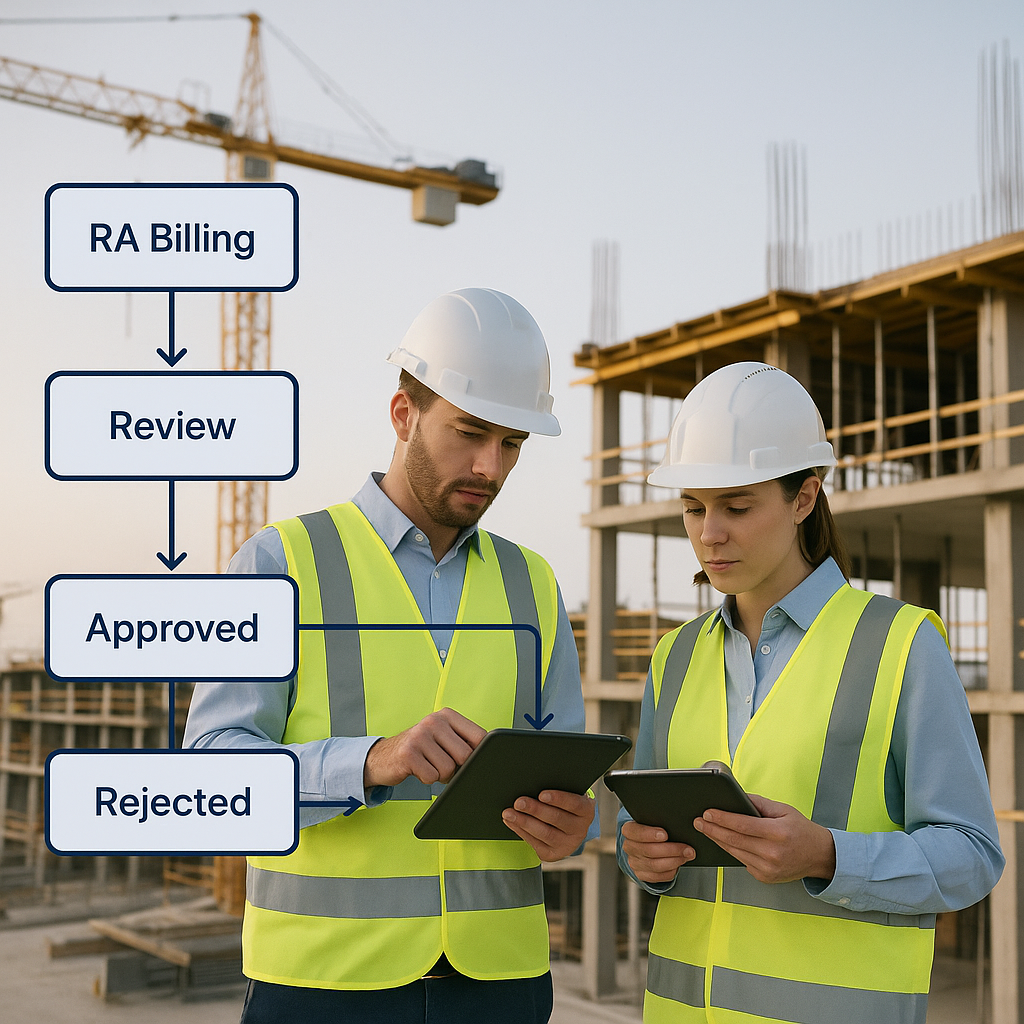
- Set Clear Approval Processes: Require written client sign-offs for all change orders.
- Track Cost Impacts in Real Time: Integrate change order management into your ERP. Tools like JobNext.ai automatically calculate the budget impact of every change order.
- Document Everything: Every change should have a paper trail — RFIs, drawings, and cost breakdowns.
Pro Tip: Use a dedicated change order module in your ERP to avoid losing track of approvals.
5. Labor Cost Management: Stop the Bleeding
Labor accounts for up to 40% of total project costs, making it the most unpredictable expense. Without tight controls, overtime, rework, and low productivity can destroy your budget.
Real Numbers, Real Impact
On one project, we reduced labor costs by 15% simply by implementing digital timesheets. Workers clocked in and out via a mobile app, eliminating manual errors and buddy punching.
Key Strategies
- Track Productivity Daily: Measure output against planned hours.
- Avoid Overtime Where Possible: Schedule smarter to minimize OT.
- Invest in Training: Skilled crews work faster and make fewer mistakes.
Tech to Watch
Real-time labor tracking tools like JobNext.ai integrate timesheets, productivity metrics, and budget updates in one platform. This reduces payroll processing time by up to 30%.
6. Material Price Management: Hedge Against Volatility
Material prices are notoriously unstable, and mismanaging them can blow your budget wide open. In 2026, steel prices alone saw a 12% spike within six months (CMiC).
Practical Tips
- Lock in Prices Early: Negotiate fixed-price contracts with suppliers.
- Use Just-in-Time Delivery: Avoid storage costs and theft risks.
- Track Material Usage: Compare actual usage to estimates to spot waste.
Tools to Use
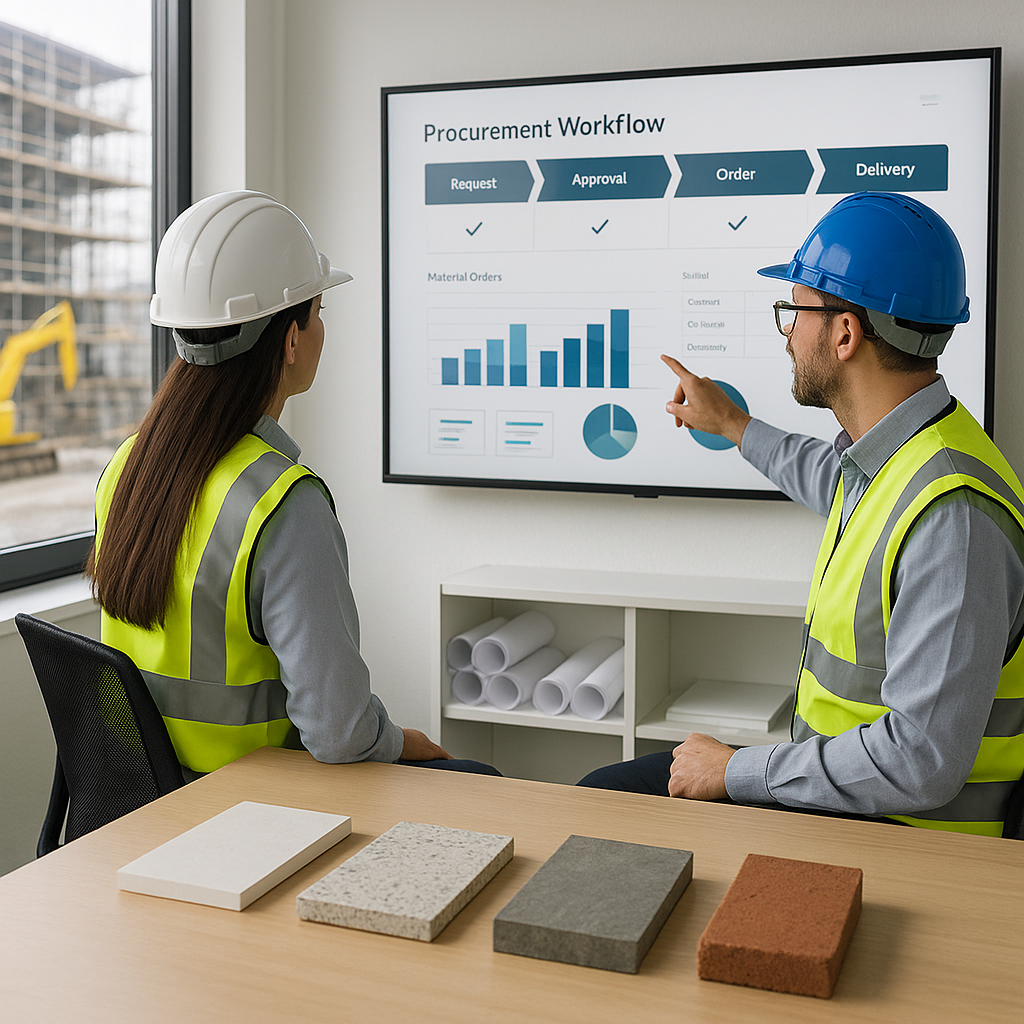
ERP systems with procurement modules, like JobNext.ai, track material purchases against budgets and flag discrepancies in real time.
7. Monthly Forecasting: Stay Ahead of Overruns
Static budgets are useless in a dynamic project environment. Monthly forecasting lets you adjust for changes in labor, materials, and scope, giving you a clear picture of where your project is headed.
How to Do It
- Review Actuals vs. Budget: Identify variances and their causes.
- Update Projections: Adjust forecasts based on current trends.
- Communicate with Stakeholders: Keep clients and subcontractors informed.
Example
On a $10 million school renovation, monthly forecasting revealed a $200,000 potential overrun due to rising concrete prices. By reallocating contingency funds and adjusting procurement, we brought the project back on track.
What to Do Next: Start Tracking Smarter
Cost overruns aren’t an inevitability — they’re a symptom of poor tracking and planning. By implementing the methods above, contractors can gain control of their budgets and protect their margins.
If you’re serious about upgrading your cost tracking systems, start by exploring platforms like JobNext.ai. Their real-time ERP solutions are designed specifically for contractors, combining field updates, budgeting, and forecasting in one seamless platform.
Want to learn more? Check out our guide to construction ERP implementation for a step-by-step roadmap. The fight against overruns starts here.
Implementation Details: Turning Strategy Into Action
Understanding cost tracking strategies is one thing; implementing them effectively is another. Many contractors struggle to bridge the gap between theory and practice due to fragmented processes, resistance to change, or lack of technical expertise. Below, we’ll break down how to implement these strategies step-by-step, ensuring they deliver measurable results.
Step 1: Evaluate Existing Processes
Before implementing any solution, it’s crucial to audit your current cost tracking methods. Ask yourself:
- How are budgets managed today?
- What tools are used for tracking labor, materials, and equipment?
- How often are forecasts updated and shared?
- Are field teams equipped with mobile tools for real-time updates?
Step 2: Choose the Right Tools
Not all cost tracking solutions are created equal. While spreadsheets and manual processes might suffice for small projects, larger and more complex builds demand robust ERP systems. Leading solutions like JobNext.ai offer construction-specific features such as real-time updates, mobile integration, and automated forecasting.
Step 3: Train Your Team
Even the best tools fail without proper training. Build an implementation roadmap that includes:
- Onboarding Sessions: Introduce your team to the new platform, emphasizing its benefits.
- Role-Specific Training: Tailor training for field supervisors, project managers, and procurement teams.
- Ongoing Support: Partner with vendors to provide continuous technical assistance.
Pro Tip: Create a “super user” program where select team members serve as internal champions for the new system.
Real-World Examples: Cost Tracking Strategies in Action
Nothing illustrates the power of cost tracking methods better than real-world success stories. Below are examples of contractors who transformed their projects by adopting smarter tracking systems.
Example 1: Reducing Labor Costs by 25%
A regional contractor specializing in industrial facilities faced spiraling labor costs due to excessive overtime and inefficient scheduling. After implementing a real-time cost tracking ERP, they introduced digital timesheets and daily productivity metrics. The results were staggering:
- Overtime Reduction: Weekly overtime dropped by 40%.
- Improved Scheduling: JobNext.ai’s scheduling module optimized crew assignments based on skillsets, cutting idle time by 15%.
- ROI: Saved $1.3 million on labor over 18 months.
Example 2: Avoiding a $500,000 Material Overrun
On a $12 million healthcare project, volatile steel prices threatened the budget. By leveraging an ERP system with real-time procurement tracking, the team identified price escalation early and renegotiated contracts. Key outcomes included:
- Cost Avoidance: Locked in steel prices, saving $500,000.
- Waste Reduction: Monitored material usage to eliminate 8% waste.
- Improved Transparency: Shared cost updates with stakeholders to maintain trust.
Example 3: Managing Scope Creep Without Budget Blowouts
A $25 million retail development encountered scope creep when the client requested design changes mid-project. By tracking change orders through their ERP, the contractor managed to:
- Quantify Impacts Quickly: Calculated a $150,000 budget increase within 48 hours.
- Transparent Communication: Provided detailed cost breakdowns to the client, ensuring approval.
- Preserved Contingency Funds: Allocated existing contingency to cover the increase without affecting cash flow.
Common Pitfalls: Why Do Cost Tracking Systems Fail?
While the benefits of robust cost tracking solutions are clear, implementation often falters due to common pitfalls. Addressing these challenges head-on increases the likelihood of success.
Pitfall 1: Fragmented Tools
Using disconnected systems for budgeting, procurement, and labor tracking leads to inefficiencies and blind spots. For example, if field supervisors log hours manually but payroll is updated weekly, labor overruns can escalate unnoticed.
Solution: Use unified platforms like JobNext.ai to consolidate data across departments.
Pitfall 2: Resistance to Change
Employees accustomed to manual processes often resist new systems due to unfamiliarity or fear of job displacement.
Solution: Invest in change management strategies. Demonstrate the value of adopting new tools and provide ongoing support to ease the transition.
Pitfall 3: Lack of Real-Time Updates
Without real-time visibility into costs, contractors are forced to rely on outdated information, leading to inaccurate forecasts.
Solution: Implement mobile-first ERP solutions that empower field teams to update data instantly, such as those offered by JobNext.ai.
ROI Calculations: Why Cost Tracking Pays Off
Investing in cost tracking solutions requires upfront expenditure, but the return on investment (ROI) can be substantial. Below, we’ll calculate typical savings across key cost categories.
Labor
- Scenario: A contractor spends $6 million annually on labor. By implementing digital timesheets and productivity tracking, labor costs decrease by 15%.
- Savings: $900,000/year.
Materials
- Scenario: A project budget allocates $4 million for materials. By introducing real-time procurement tracking, waste reduction initiatives cut material costs by 10%.
- Savings: $400,000/project.
Contingency Use
- Scenario: Contingency funds account for 7% of a $30 million project. Improved forecasting reduces contingency usage by 20%.
- Savings: $420,000/project.
Total ROI
- Investment: $150,000/year for an ERP platform like JobNext.ai.
- Net Savings: $1.52 million/year (labor, materials, contingency combined).
- ROI: 10x return within 12 months.
Comparison Framework: How to Choose the Best Solution
With dozens of cost tracking tools on the market, selecting the right one can be overwhelming. Use the framework below to evaluate your options.
| Criteria | Description | Example |
|---|---|---|
| Ease of Use | Intuitive, user-friendly interface for field and office teams. | Platforms like JobNext.ai offer mobile apps tailored for field supervisors, making data entry effortless. |
| Integration | Compatibility with existing systems (estimating software, payroll, etc.). | JobNext.ai integrates seamlessly with QuickBooks, Procore, and other popular tools. |
| Scalability | Ability to handle projects of varying sizes and complexity. | Designed for mid-size contractors managing multiple concurrent builds. |
| Support | Availability of training, onboarding, and ongoing assistance. | Offers 24/7 customer support and dedicated implementation specialists. |
| Cost | Competitive pricing relative to features offered. | $150/month per user for access to premium modules. |
Final Thoughts: Building a Cost Control Culture
Effective cost tracking isn’t just about tools — it’s about fostering a culture of accountability and transparency. Contractors who prioritize real-time visibility, disciplined planning, and proactive management can transform their bottom lines and strengthen client relationships.
Ready to take control of your project budgets? Start by exploring JobNext.ai, a platform built to eliminate blind spots and empower contractors with real-time data. Whether you’re managing a single job or scaling up operations, the tools and insights are there to help you succeed.
Ready to see JobNext in action?
Multi-tenant SaaS ERP for construction, facilities management, and contracting — covering preconstruction, project execution, procurement, HR & payroll, equipment, finance, and 150+ analytics reports.
Get Started Free →Learn more at JobNext.ai