



How CPWD DSR Solves BOQ Preparation Headaches in 2023
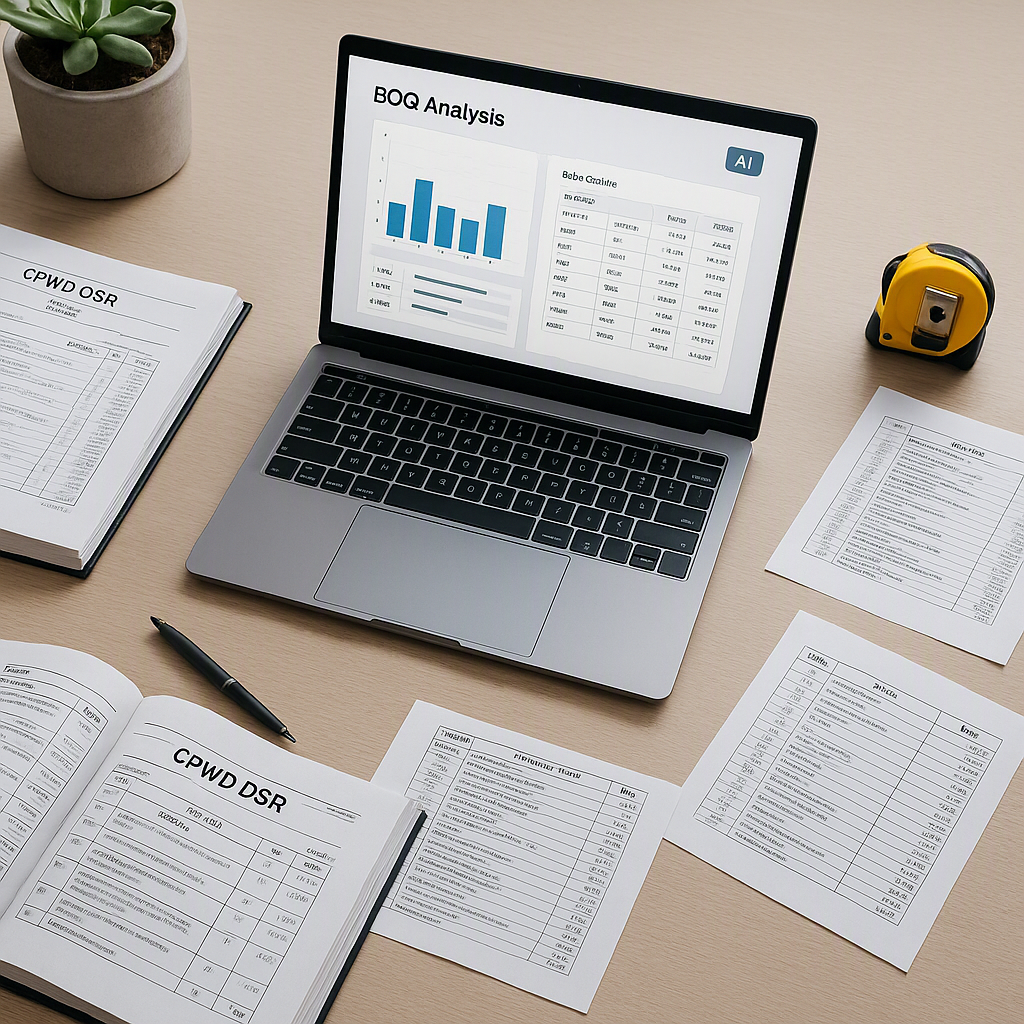
Why CPWD DSR Matters for BOQ Preparation
If you’ve worked on public construction projects in India, you’ve dealt with CPWD DSR (Delhi Schedule of Rates). It’s the backbone of BOQ preparation, defining labor, material, and equipment rates for government tenders. But let’s be honest—using it isn’t straightforward.
The DSR catalogs are massive, with over 78,000 items spread across 19 sub-sections. Finding the right rate often means flipping through hundreds of PDF pages, cross-checking updates, and manually adjusting for inflation via circulars. It’s tedious, error-prone, and wastes hours. If you’re doing this manually, you’re probably losing money—or worse, submitting bids that won’t hold up under scrutiny.
The Traditional Approach: Slow and Painful
Let’s break down how the manual method for CPWD DSR-based BOQ preparation typically works:
- Step 1: Download the latest CPWD DSR PDFs – This means navigating government websites that are often not user-friendly. Finding the right version of the DSR or the latest circulars can be time-consuming and frustrating, especially when links are broken or updates are scattered across different pages.
- Step 2: Extract relevant rates manually – You’ll have to go through thousands of items, often using CTRL+F and hoping you don’t miss anything. This process requires a deep understanding of the catalog structure and can be incredibly repetitive.
- Step 3: Apply cost index adjustments – Once you’ve located the base rates, you need to calculate adjustments for inflation or regional indices using official circulars. This step involves additional manual calculations, which are prone to human error and slight miscalculations.
- Step 4: Enter rates into your BOQ file – This is where mistakes often occur. Inputting rates into your BOQ spreadsheet manually is prone to formatting errors and typos, especially if you’re copying and pasting directly from the DSR PDF. A misplaced decimal point can lead to massive financial discrepancies.
For a ₹10-crore project, this entire process can take anywhere from 12 to 16 hours. And that’s assuming you know exactly where to find updated circulars and don’t make mistakes. If you miss one inflation update or use an outdated DSR version, your bid could be disqualified or lead to financial losses due to underpricing.
Actionable Steps to Improve the Manual Process
If you’re sticking to the traditional approach, here’s how to make it slightly less painful and reduce errors:
- Organize your resources: Create a dedicated folder (preferably on the cloud) to store all relevant DSR PDFs, circulars, and cost indices. Use clear file names with dates to avoid confusion.
- Use efficient PDF tools: Leverage software like Adobe Acrobat Pro, PDF-XChange Editor, or even free tools like Foxit Reader. These tools allow you to search within PDFs, annotate important rates, and extract tables more effectively.
- Automate repetitive calculations: Build Excel templates with pre-defined formulas to automatically calculate cost index adjustments. Alternatively, consider using Google Sheets scripts for repetitive tasks.
- Cross-verify your work: After completing your BOQ, conduct a thorough review. Have a colleague double-check your calculations and verify the rates against the DSR and circulars.
- Highlight key updates: Use sticky notes or digital highlighters in your PDFs to mark updated rates or circulars. This will make future reference easier.
While these steps can save some time, they’re not a long-term solution. The fundamental inefficiencies of manual workflows persist, especially for large projects or when managing multiple tenders simultaneously.
What Changed My Mind About DSR Prep
I used to think the manual process was just part of the job. Everyone does it, right? But in 2023, I saw something that completely changed my perspective—a mid-sized contractor in Pune automated their rate lookups using an AI-powered tool. They slashed their BOQ prep time by 90%. No exaggeration.
The tool, EstimateNext, scanned their BOQ spreadsheet, matched line items to the correct CPWD rates, and applied cost index adjustments automatically. What usually took two days was done in under an hour. Seeing this live was a wake-up call. Why was I wasting time flipping through PDFs when better options existed?
How Does Automation Work?
Here’s a simplified breakdown of how tools like EstimateNext work:
- BOQ Upload: Start by uploading your BOQ file in Excel or CSV format. Advanced tools can even handle messy data with merged cells, nested hierarchies, and inconsistent formatting.
- AI-Powered Rate Matching: The tool uses natural language processing (NLP) algorithms to analyze BOQ line items and automatically match them to the most relevant CPWD DSR rate. This includes evaluating descriptions, units of measurement, and quantities.
- Cost Index Adjustments: The software fetches the latest inflation updates and regional cost indices directly from government circulars and applies them to the base rates. No need for manual calculations.
- Compliant Report Generation: The system generates a final BOQ in CPWD-compliant formats, ready for submission alongside your tender documents.
By automating these steps, contractors can focus on strategic pricing and project planning instead of wasting hours on tedious data entry tasks.
Why Manual Prep Survived So Long
Let’s be fair: the old method isn’t entirely useless. It forces you to understand the DSR structure intimately, which is critical for complex projects. If you’re a junior Quantity Surveyor (QS), manually working through rates teaches you how they’re built—labor percentages, material splits, and overhead factors. That knowledge shouldn’t go away.
However, the problem lies in scale and accuracy. When you’re juggling multiple bids or working on tight deadlines, manually extracting rates isn’t sustainable. It’s not just slow—it’s a liability. One wrong rate could disqualify your bid or result in razor-thin margins that make the project unprofitable.
What We Do Differently Now
Here’s the updated workflow we’ve adopted:
- Upload the BOQ – Start with your Excel or CSV file. Tools like EstimateNext can process even poorly formatted documents, saving time on data cleaning.
- Run AI-Powered Rate Matching – The platform matches BOQ line items to the correct CPWD DSR rates using a 4-step algorithm that includes tenant history, catalog widening, country-specific adjustments, and fallback AI matching for items that aren’t an exact match.
- Apply Cost Index Adjustments – The software automatically incorporates inflation updates and region-specific cost indices, ensuring compliance.
- Generate Compliant Reports – Export the final BOQ in CPWD-ready formats like Excel, PDF, or NRM2.
This workflow has reduced our BOQ preparation time from 12–16 hours to under 1–2 hours, without compromising on accuracy or compliance.
Common Mistakes in CPWD DSR-Based BOQs
Even with better tools, mistakes can happen. Here are the most common issues and how to avoid them:
- Using outdated DSR versions – Always ensure you’re working with the most recent DSR and associated circulars. Bookmark official sources like CPWD’s website to stay updated.
- Skipping cost index adjustments – Never forget to account for inflation and regional cost indices. These adjustments can make a significant difference in your final bid.
- Misclassifying line items – Pay close attention to descriptions and ensure that the rates you select match the project’s specific requirements.
- Failing to document assumptions – Always maintain an audit trail for your rate calculations. Whether you’re using formulas in Excel or automated tools, ensure the data sources and methods are clearly documented for client scrutiny.
Decision Framework: Manual vs. Automated BOQ Preparation
| Criteria | Manual Process | Automated Tools |
|---|---|---|
| Time Required | 12–16 hours per BOQ | 1–2 hours per BOQ |
| Risk of Errors | High | Low |
| Learning Opportunity | High for beginners | Moderate |
| Scalability | Poor | Excellent |
| Cost | Low upfront cost | Subscription-based |
| Accuracy | Depends on user skill | Consistently high |
Ready to Stop Wasting Hours?
If you’re tired of flipping through CPWD PDFs, it’s time to upgrade your workflow. EstimateNext automates BOQ parsing, rate matching, and compliance checks, so you can focus on pricing smarter—not working harder. Get started free →
Learn more at JobNext.ai - Construction ERP
Put this into a real BOQ
Describe your project and get a complete, costed Bill of Quantities in about a minute — free to start.