



How to Use a Construction Margins Calculator to Avoid Profit Leaks
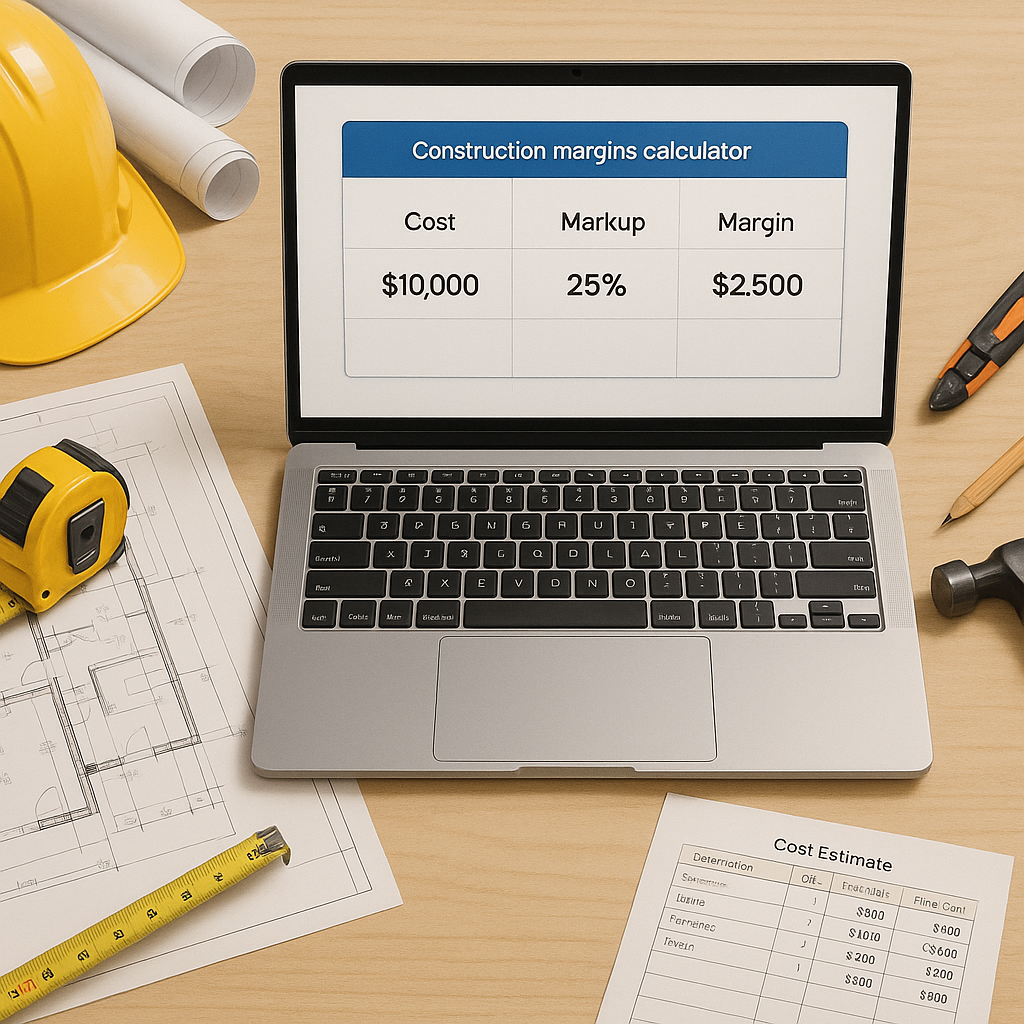
Contractors Are Losing Money They Should Be Making
Margins are everything in construction. But getting them right is easier said than done. Too many contractors rely on gut feelings or outdated Excel sheets to set their markup, and it’s killing their profitability. Ever been underbid because you guessed wrong on labor inflation? Or lost a project because your quote was too high? That’s the problem we’re tackling here.
Why Markup Isn’t Margin (And How Confusing Them Costs You)
First things first: markup and margin are not the same. Markup is what you add to your costs to cover overhead, risks, and profit. Margin is what’s left after all expenses are paid. Here’s the math:
- Markup example: If your project costs $100,000 and you add a 20% markup, your selling price is $120,000.
- Margin reality: Your margin isn’t 20%. It’s actually 16.67% ($20,000 ÷ $120,000).
See the gap? Misunderstanding this difference leads to two major issues:
- Underpricing: You win the bid but run into cash flow problems because your margin doesn’t cover overhead.
- Overpricing: You scare off clients and lose bids to competitors with better math.
How to Calculate Both Correctly
To avoid confusion between markup and margin, follow these steps:
-
Understand the formulas:
- Markup = (Selling Price - Costs) ÷ Costs
- Margin = Profit ÷ Selling Price
-
Use a calculator: Manual calculations invite human error. Tools like EstimateNext automate the math and ensure you’re using accurate numbers.
-
Test your assumptions: Before finalizing a bid, plug your costs and markup percentage into a spreadsheet or calculator to verify the resulting margin.
-
Cross-check against industry benchmarks: Research typical margins within your niche (e.g., roofing, electrical work, general contracting) to ensure your markup aligns with real-world profitability goals.
How a Construction Margins Calculator Fixes This
Let’s cut to the chase: manually calculating markup and margin is error-prone and slow. A construction margins calculator automates the process and lets you test multiple scenarios in minutes. Here’s a breakdown:
Step 1: Input Your Costs
Start with direct costs: materials, labor, equipment. These are non-negotiable and tied directly to the project. For instance, labor costs can vary regionally or seasonally; ignoring these fluctuations can lead to inaccurate bids. Double-check your sources for cost estimates, such as local union rates or supplier quotes.
Step 2: Add Overhead
Overhead isn’t just office rent. It includes insurance, utilities, software subscriptions, payroll taxes, and project management time. Contractors often underestimate overhead, which can lead to underpricing. To calculate overhead:
- List every fixed cost (e.g., annual insurance premiums, software fees).
- Divide by your average number of projects per year to allocate overhead per job.
Step 3: Apply Markup
Markup isn’t arbitrary—it should reflect the unique risks and complexities of each project. Factors to consider when setting markup:
- Tight deadlines: Higher markup compensates for expedited schedules.
- Volatile material costs: If lumber prices are fluctuating, build in a buffer.
- Scope complexity: Unique designs or niche services warrant a premium.
Advanced tools like EstimateNext use real-time cost data and inflation adjustments to recommend markup percentages tailored to current market conditions.
Step 4: Test Scenarios
This is where the magic happens. You can simulate different markup percentages to find the sweet spot between competitiveness and profitability. For example:
| Scenario | Markup Applied | Selling Price | Margin Achieved |
|---|---|---|---|
| Low-risk project | 15% | $115,000 | 13.04% |
| Medium-risk project | 20% | $120,000 | 16.67% |
| High-risk project | 25% | $125,000 | 20% |
Testing allows you to weigh profitability against your chances of winning the bid.
Common Mistakes (And How to Avoid Them)
Mistake 1: Confusing Markup and Margin
We’ve already covered this, but it bears repeating. Misunderstanding the difference leads to catastrophic pricing errors. Always double-check your calculations and verify margin using the formula: Profit ÷ Selling Price.
Mistake 2: Ignoring Market Adjustments
Labor inflation, material shortages, and unexpected costs can change your bottom line overnight. If you’re not using real-time data, your bids could be outdated before they even hit the table.
Mistake 3: Using the Same Markup for All Projects
Every project is unique. High-risk jobs (tight deadlines, volatile materials) require higher markup percentages to protect your profit. Adjust your markup dynamically rather than sticking to a one-size-fits-all approach.
Mistake 4: Forgetting Overhead Costs
Overhead is often the silent killer of profitability. If you fail to account for indirect expenses like software subscriptions, utilities, and management salaries, you’ll underprice your bids and lose money.
FAQ: Common Questions About Margin Calculators
Q: What’s the difference between markup and margin?
Markup is the percentage added to costs to cover overhead, risks, and profit. Margin is the percentage of the selling price that represents profit. For example, a 20% markup doesn’t equal a 20% margin—it’s actually closer to 16.67%.
Q: Can I use the same markup for all projects?
No. Adjust your markup based on project-specific risks, labor intensity, and material volatility. Using the same markup across the board ignores the unique challenges of each job.
Q: How do I account for inflation in my bids?
Use a calculator like EstimateNext, which incorporates real-time inflation data into its cost estimates. This ensures your bids remain competitive and profitable even when market conditions change.
Q: Why should I switch from manual calculations to a tool?
Manual calculations are slow and prone to human error. Automated tools save time, reduce mistakes, and provide real-time data, helping you make smarter pricing decisions.
Q: Is learning to use a margin calculator difficult?
Most tools are user-friendly and require minimal training. Many, like EstimateNext, offer tutorials or customer support to get you up to speed quickly.
Call to Action
If you’re tired of guessing margins and watching profits disappear, it’s time to try EstimateNext. Their AI-powered margins calculator simplifies the math, applies real-world data, and helps you maximize profitability. Start using it today →
Learn more at JobNext.ai - Construction ERP
Put this into a real BOQ
Describe your project and get a complete, costed Bill of Quantities in about a minute — free to start.