



How What-If Analysis Transforms Construction Estimation
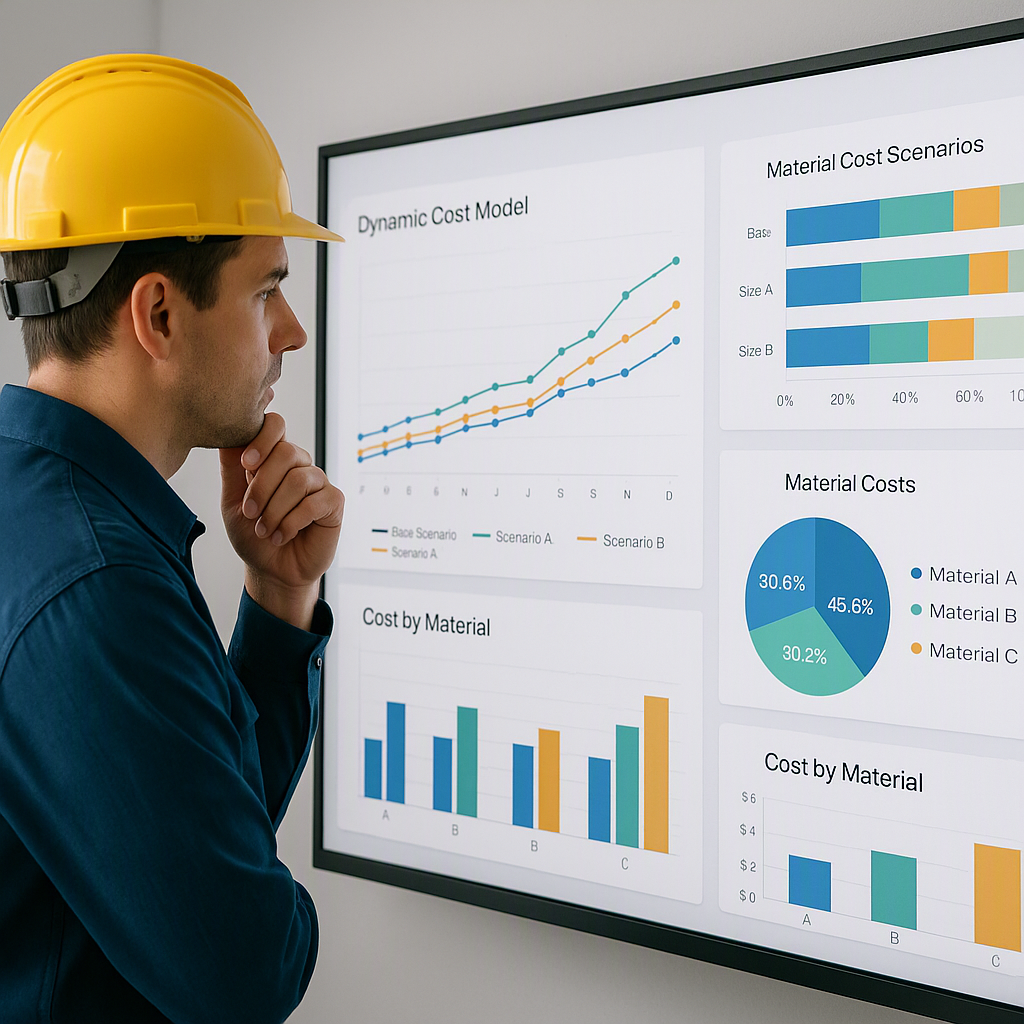
What We Used to Think About What-If Analysis
For years, I believed that what-if scenarios in construction estimation were a luxury—something nice to have, but not essential. Sure, it’s helpful to model potential changes, like what happens if steel prices spike or if you switch materials, but in practice, it felt like a time-consuming exercise. Most estimators I knew avoided it unless a client specifically requested it. Even then, they’d grudgingly redo their Excel workbooks, knowing they’d lose hours.
At the time, I’d have told you this: “What-if analysis is fine in theory, but in the real world, deadlines don’t allow for it. You stick to one estimate, hope it’s accurate, and deal with surprises later.”
That thinking persisted for far too long.
The Thing That Changed It
In early 2026, during a project bid for a $108 million water infrastructure job in Dallas, I saw how this mindset could backfire. Our team had submitted a detailed bid, but mid-process, the client asked: “What happens to costs if we use precast concrete instead of cast-in-place?”
We didn’t have an answer ready. That delay cost us credibility—and ultimately, the bid. The winning contractor, Zachry Construction, had used AI-driven tools to run cost impact models in real time. Their proposal included multiple scenarios with adjusted costs, timelines, and risks.
The difference was glaring. AI tools like EstimateNext made what-if analysis seamless, while we were stuck manually recalculating spreadsheets. Their ability to pivot quickly gave them an edge we couldn’t match. The experience forced us to confront our outdated approach and rethink the importance of being prepared for every possible scenario.
Why the Old Belief Survived So Long
It’s easy to see why we resisted change. Manual estimation is ingrained in construction workflows, and Excel has been the default tool for decades. I’d bet most estimators still think: “Why fix what isn’t broken?”
Misconceptions About Effort vs. Value
Part of the problem is perception. What-if analysis was seen as extra work rather than risk mitigation. If a client didn’t explicitly ask for it, most teams skipped it. And when they did ask, it was often too late to do anything meaningful.
The tools we used didn’t help either. Excel-based estimation makes what-if scenarios cumbersome. Changing one variable often means redoing entire workbooks—rates, quantities, overheads, profit margins. When you’re already juggling multiple bids, who has time for that?
To put it into perspective: imagine you’re working on a $50 million project with 200 line items in your bill of quantities (BOQ). If steel costs suddenly spike by 10%, you’d have to manually adjust every affected line item, recalculate totals, and then ensure that all dependent calculations—like profit margins and contingency allowances—are updated. This process can take hours, if not days.
Cost Barriers That Held Firms Back
There’s also the issue of cost. Traditional estimation tools like CostX or RSMeans are expensive—$5,000 to $15,000 per year—pricing out smaller contractors. Most firms opted for manual methods, thinking they could save money. But as I’ve learned, the hidden costs of slow, error-prone workflows far outweigh the subscription fees of modern tools.
For example, a single error in a manual estimate could cost tens of thousands of dollars in lost revenue or additional expenses. Compare that to the cost of a monthly subscription for a digital tool, which can be as low as $39/month (depending on the platform). The math speaks for itself.
Resistance to Innovation in Established Workflows
Another factor is inertia. Estimation workflows in construction often rely on decades-old practices. Teams are hesitant to adopt new methods that seem complicated or untested, especially when the upfront investment in time and training feels burdensome.
This resistance is understandable—construction professionals are often overworked and under pressure to meet tight deadlines. Learning a new tool can feel like an unnecessary distraction. But failing to adapt comes with its own set of risks, as we learned the hard way in Dallas.
What We Do Differently Now
After that Dallas project, I stopped seeing what-if analysis as optional. Today, it’s a non-negotiable part of every bid we submit. The difference is how we approach it.
Actionable Methods for Better What-If Analysis
-
Switch to Real-Time Tools Instead of relying on Excel, we use EstimateNext for real-time dynamic cost modeling. With these tools, scenario planning becomes a matter of minutes instead of hours or days.
-
Example Workflow: Update material rates or labor costs in the platform, and the entire bill of quantities (BOQ) adjusts automatically. This eliminates manual rework and reduces the risk of missed line items.
-
Key Benefit: Real-time tools allow you to focus on decision-making rather than data entry. For instance, if a new set of labor rates is issued mid-project, you can update them instantly without disrupting your entire estimate.
-
-
Side-by-Side Comparisons Scenario comparisons are a game changer. The ability to model multiple options—like precast vs. cast-in-place concrete—allows us to present clear, data-backed recommendations to clients. Each scenario accounts for labor, equipment, material costs, and schedule impacts.
- Tip: Use comparison tables to highlight key differences:
Scenario Cost Impact Schedule Impact Risk Factors Precast Concrete +8% -2 weeks Moderate supply risk Cast-in-Place Concrete -5% +3 weeks High weather dependency - Practical Use: These comparisons make it easier for clients to weigh trade-offs and make informed decisions. They also demonstrate your expertise and preparedness, which can be a competitive advantage during bidding.
-
Visualizing Risks What-if analysis isn’t just about costs—it’s about understanding risks. Modern tools can identify potential bottlenecks, timeline delays, or margin erosion for each scenario.
- Tip: Present these risks visually. Use heatmaps or bar graphs to show which variables have the highest likelihood of impacting the project. For example, a heatmap might highlight that labor shortages are a critical risk for one scenario, while material delays are a concern for another.
-
Transparent Audit Trails Every adjustment in the tool creates an audit trail. If a client asks why a specific scenario costs more, you can show them exactly which factors contributed to the increase. This transparency builds trust and credibility.
- Real-World Example: During a recent bid, a client questioned why one scenario was more expensive. We showed them a detailed breakdown of material cost increases and extended labor hours, which clarified the reasoning behind the higher price.
-
Training and Onboarding Adoption requires proper training. We dedicate time to onboarding our team with EstimateNext, ensuring everyone understands the platform’s capabilities and can confidently use it under tight timelines.
- Tip: Create a quick-reference guide for your team, covering basic workflows like updating material rates or generating scenario reports. Regular training sessions can also help address any pain points or questions.
What Being Wrong Cost Us—and What We’re Still Figuring Out
That Dallas bid loss was a wake-up call. We missed out on a $108 million project because we couldn’t pivot fast enough. The financial hit was bad enough, but the real cost was reputational. Losing a bid due to inefficiency sends a message to clients—that you’re not equipped to handle complexity.
Challenges That Persist
Even now, I’m not entirely confident about how to balance speed with accuracy. AI tools make scenario planning faster, but they’re not foolproof. Estimators still need to validate outputs and account for local nuances like labor rates, taxation, and permitting.
Another challenge is adoption. While platforms like EstimateNext are affordable compared to traditional tools, smaller firms might hesitate to adopt them due to cost concerns or fear of disrupting workflows.
Call to Action
If you’re tired of redoing spreadsheets every time a client asks “What if?”, EstimateNext can help. Try it today and see how real-time what-if analysis transforms your estimation workflow.
Learn more at JobNext.ai - Construction ERP
Put this into a real BOQ
Describe your project and get a complete, costed Bill of Quantities in about a minute — free to start.