



How to Master the Rate Build-Up Process in Construction Estimation
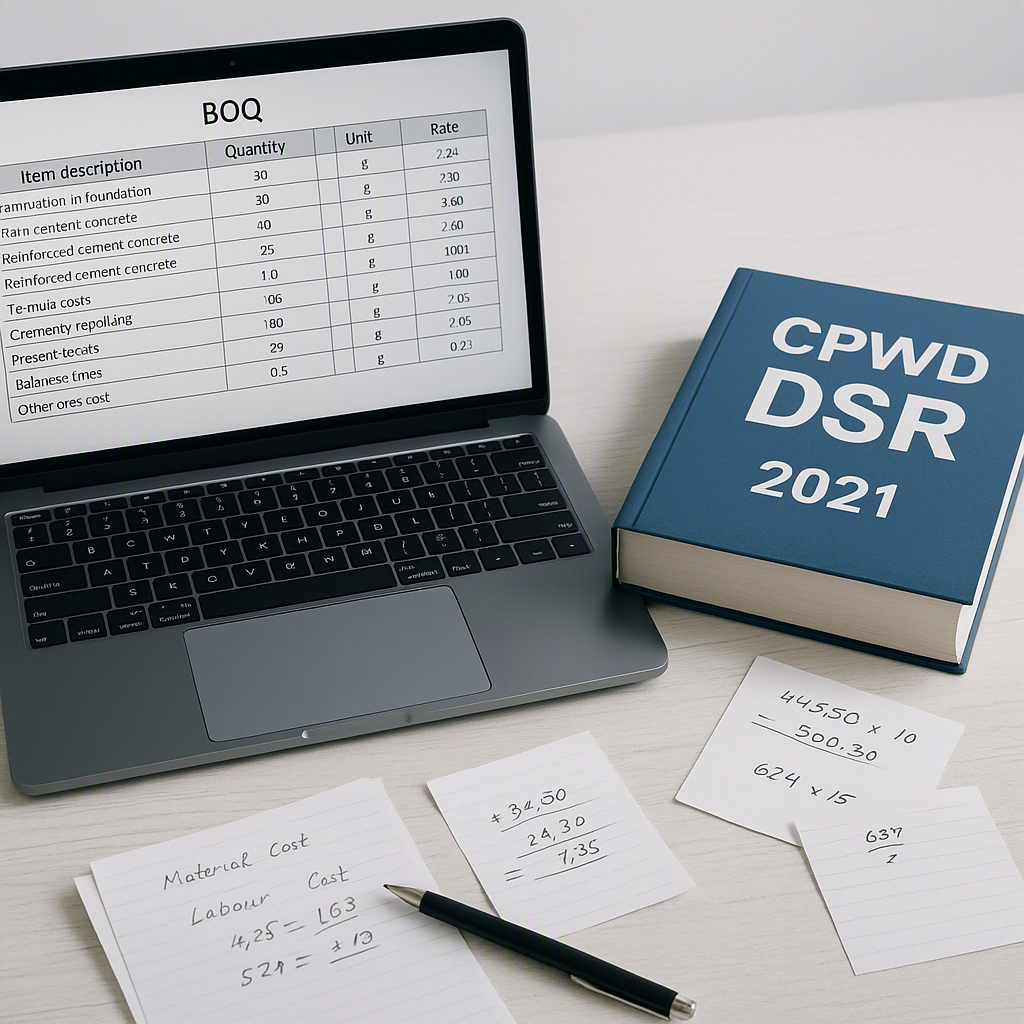
Why Rate Build-Up Matters
Ask any estimator, and they'll tell you: the rate build-up process is the backbone of construction estimation. It’s the step that takes raw materials, labor, equipment, and overhead and turns them into a defensible unit rate. Get it wrong, and you’re either losing the job or locking yourself into a margin you’ll regret. Yet most teams still slog through it manually, flipping through thick rate books or relying on outdated spreadsheets.
So, how do you master the rate build-up process? Let’s break it down step by step.
The Building Blocks of a Unit Rate
Every unit rate includes these core components:
-
Material Costs: What does it take to build? From cement and steel to tiles and paint, material pricing dominates most estimates. Prices fluctuate, so relying on static PDFs or outdated rates is a recipe for disaster. Real-time catalogs are a must.
-
Labor Costs: This is where things get tricky. Labor rates depend on skill level, geography, and even local union agreements. Labor costs can vary significantly across regions, so it’s important to consult local market data or schedules of rates (SOR) to ensure accuracy.
-
Equipment Costs: This includes the cost of owning or renting machinery. Equipment usage rates often need adjustments for fuel prices, wear and tear, and rental periods.
-
Overheads and Profits: Overheads (supervision, office costs, etc.) and profit margins are typically added as a percentage of direct costs. Getting these percentages right is critical for ensuring your bid is competitive yet profitable.
-
Taxes: GST, cess, and other levies need to be factored in. These vary by region and can be a compliance headache if missed.
The Pain Points of Manual Rate Build-Up
1. Manual Rate Lookups
Flipping through a 2,000-page CPWD DSR or RSMeans catalog to find the right rate for “M20 concrete” or “10mm rebar” is a time sink. On average, it takes significant time to match a single line item. Multiply that by 100 BOQ lines, and you’re burning hours on rate lookup alone. And let’s not even talk about regional discrepancies—what works in one city won’t always work in another.
2. Error-Prone Adjustments
Inflation adjustments, regional uplifts, and custom vendor pricing are all layers where mistakes happen. One wrong formula in your Excel sheet, and you’re staring at a cascade of errors. In fact, Construction Executive reports that estimation errors are among the top causes of profit erosion in the industry.
3. Fragmented Tools
Most teams juggle Bluebeam for takeoffs, Excel for calculations, and RSMeans or DSR PDFs for rate lookups. It’s a disjointed process that screams inefficiency. According to EstimateNext, fragmented workflows can lead to hidden costs for contractors.
A Smarter Approach: Automating Rate Build-Up
Step 1: Digitize Your BOQs
Start by uploading your BOQs in Excel or PDF format to a tool that understands the structure. Automation tools can detect merged cells, section headers, and hierarchies automatically, eliminating the hours spent manually reformatting BOQs.
Step 2: Automate Rate Matching
This is where AI changes the game. Instead of flipping through rate books, modern tools use semantic search to match BOQ items with relevant SOR rates quickly. These platforms often include thousands of items across catalogs like CPWD, RSMeans, and others, making it easy to find the right rate efficiently.
Step 3: Real-Time Adjustments
Once you’ve matched rates, adjustments like inflation or regional uplifts are the next step. Tools allow you to apply compound adjustments across catalogs with a single click. Need to tweak overhead or profit percentages? The platform propagates changes in real time, so you don’t have to rebuild your entire workbook.
Step 4: Produce Professional Output
The final step is generating a rate analysis report. This should include:
- Activity description
- Quantity and unit
- Material, labor, and equipment breakdown
- Overheads, profit, and taxes
Automation tools can export reports in formats like CPWD DSR, NRM2, or AIA G703.
Common Mistakes to Avoid
-
Ignoring Regional Variations: Rates for the same material can vary significantly by location. Always cross-check with local SORs or live market data.
-
Overlooking Inflation: If you’re using old rate books, you’re underpricing. Make sure to adjust for inflation using reliable indices.
-
Relying on Gut Feel: Estimation is no place for guesswork. Use historical data and tools to validate your assumptions.
-
Skipping Audits: Always review your rate build-up with a second pair of eyes or a QA tool. It’s easy to miss a decimal point or a misplaced formula.
FAQ
Q: What’s the difference between direct-mapped and composite rates?
Direct-mapped rates come straight from a catalog like CPWD DSR or RSMeans. Composite rates are built by combining multiple components, like material, labor, and equipment.
Q: How do I handle multi-currency projects?
Use a tool that supports multi-currency BOQs and live exchange rates. Check out this blog post from JobNext for tips on managing multi-country projects.
Q: Can AI handle custom vendor rates?
Yes, modern tools allow you to upload vendor quotes, and the AI extracts rates directly into your BOQ.
Q: How do I ensure compliance with CPWD standards?
Use tools that include CPWD DSR catalogs and generate outputs in required formats like CPWD DSR or CESMM3.
Call to Action
If rate build-up feels like a time sink, it’s time to rethink your approach. Automation tools can help you streamline rate matching, inflation adjustments, and professional reporting. Start saving time and bidding smarter today.
Learn more at JobNext.ai - Construction ERP
Put this into a real cost estimate
Describe your project and get a complete, costed estimate in about a minute — free to start.