


How to Perform Accurate Quantity Takeoff from Drawings
How to Perform Accurate Quantity Takeoff from Drawings
Quantity takeoff is the backbone of every construction estimate. But let’s be honest—manual takeoffs are slow, tedious, and prone to mistakes. Tracing drawings line by line or flipping through PDFs eats up hours (if not days) of your team’s time. And when deadlines are tight, errors creep in.
How do you fix it? AI-powered solutions can streamline the process and reduce manual effort significantly. Let’s break it down.
The Pain of Manual Takeoffs
If you’ve ever done a manual takeoff, you know the drill. Open up a PDF or CAD file, calibrate the scale, and start measuring room areas, wall lengths, or door counts. For a mid-sized project, this process can take a significant amount of time across multiple estimators.
And that’s assuming everything goes smoothly. What if the drawings are updated midstream? You’ll need to start over, re-measure everything, and hope you don’t miss a change. It’s frustrating, inefficient, and expensive.
How AI Simplifies Takeoffs
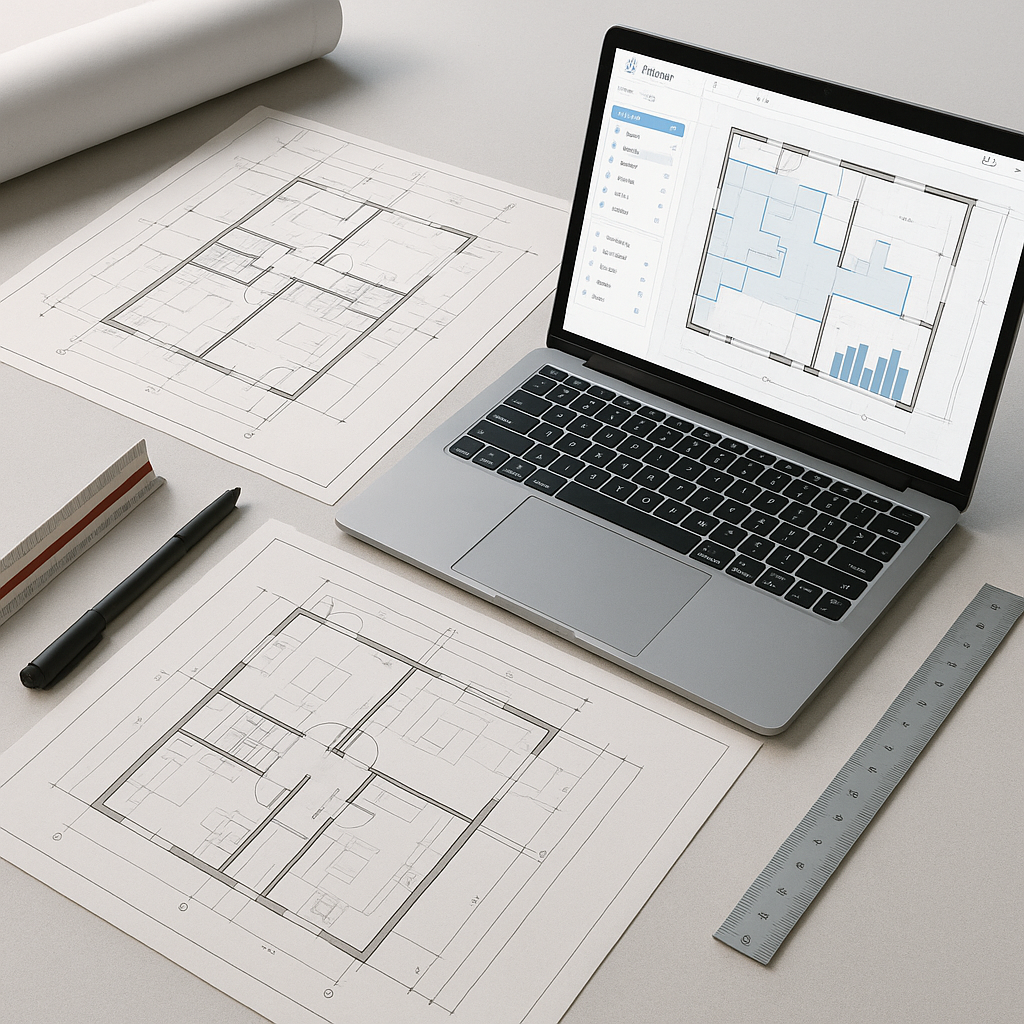
Here’s where AI-powered tools step in. Instead of manually measuring every line and area, these tools automate the process. You upload your drawings (PDF, DWG, or even a scanned image), and the AI extracts all the critical quantities. Room dimensions, wall lengths, window counts—it’s all there in minutes.
Step-by-Step: How AI Tools Work
-
Upload Your Drawings
Drag and drop your PDF or CAD files into the platform. Many tools support a variety of file formats, including PDFs, DWG, and IFC files. -
Automatic Calibration
The AI reads the scale directly from the drawings or lets you calibrate it manually if needed. This ensures that every measurement is accurate. -
Quantity Extraction
The AI identifies and measures:- Room areas (for flooring, ceilings)
- Wall lengths (for plastering, painting)
- Door and window counts (for openings)
- External wall areas (for cladding, insulation)
Illustrative example — On a renovation project, using AI could save significant time by automating the measurement of room areas and wall lengths, allowing contractors to focus on pricing and strategy.
-
Revision Comparison
Got updated drawings? Upload the new set, and the AI highlights changes automatically. No more redoing the entire takeoff from scratch. -
Send to BOQ
Once the quantities are ready, they’re automatically populated into a Bill of Quantities (BOQ) template, ready for pricing. Outputs can often be formatted to standards like CSI MasterFormat, CPWD DSR, or NRM2.
The Accuracy Advantage
One of the biggest concerns with AI takeoff tools is accuracy. After all, if the measurements are wrong, the entire estimate falls apart. Here’s how AI tools ensure precision:
- Low-Confidence Alerts: The AI flags any measurements it’s unsure about and prompts you for manual review. You stay in control, but with far less grunt work.
- Audit Trails: Every quantity comes with a detailed log of how it was calculated, so you can trace back and verify.
Common Objections (and Answers)
“What if the AI misses something?”
No system is perfect, but AI tools significantly reduce human error. Plus, with low-confidence alerts, you’ll know exactly where to double-check.
“Isn’t this just for big contractors?”
Not at all. Smaller firms can benefit even more, especially when every bid counts.
“Does it work for specialty trades?”
Yes. Many AI tools include features for MEP, HVAC, and fit-out contractors. For example, they can calculate duct lengths for HVAC or fixture counts for plumbing.
FAQs
Q: How do AI tools handle complex drawings?
A: They are designed to handle multi-layered plans and specialty trade drawings. For instance, they can extract duct or conduit lengths directly from MEP drawings.
Q: Can I integrate AI tools with my existing systems?
A: Yes. The output can often be exported to Excel, Procore, or other project management tools.
Q: How long does it take to learn the system?
A: Most teams adapt quickly. Many tools offer intuitive interfaces and onboarding support.
Don’t Let Takeoffs Slow You Down
Manual takeoffs are a productivity killer. AI-powered tools not only save time but also improve accuracy, leaving your team free to focus on strategy and winning bids.
If you’re ready to take your quantity takeoff process to the next level, explore AI-powered solutions today.
Learn more at JobNext.ai - Construction ERP
Put this into a real cost estimate
Describe your project and get a complete, costed estimate in about a minute — free to start.