



BOQ and Estimation Practices in Canada: A GC’s Guide to Regional Precision
Why BOQ Practices in Canada Are Different
If you’re a general contractor (GC) working in Canada, you already know that estimation isn’t just about numbers—it’s about context. Canadian projects often rely heavily on RSMeans cost data, but that’s just the beginning. Regional variations, labor rules, and currency adjustments all add layers of complexity. And those layers can cost you time—lots of it.
We’ve seen GCs waste over 40 hours building a single Bill of Quantities (BOQ) from scratch. Why? Because the process remains painfully manual. Pulling rates from RSMeans, applying inflation factors, cross-checking labor costs—it’s a grind. Worse, mistakes compound. A single wrong rate can tank your bid or leave you battling razor-thin margins.
It doesn’t have to be that way.
The RSMeans Bottleneck
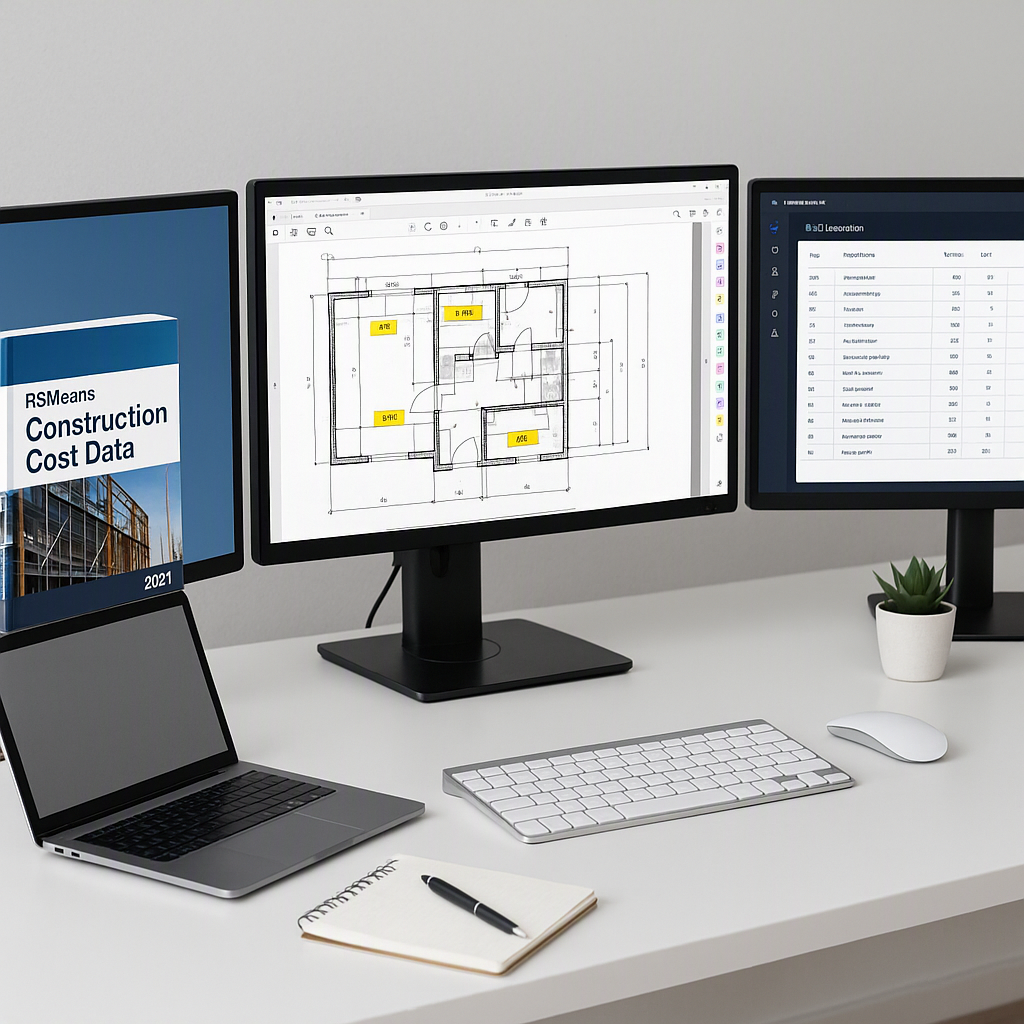
Canadian GCs often rely on RSMeans for cost data, which makes sense—it’s one of the most comprehensive libraries available. It covers thousands of line items, from materials to labor, with precision. But RSMeans has its limits. Searching through its vast catalog for line-item rates can take hours. Plus, it’s not always regionally precise. A Toronto-based GC, for example, might find RSMeans rates don’t account for Ontario-specific labor costs or material supply chain quirks.
Why does this matter? Regional labor rates in a province like Ontario can be vastly different from rates in Alberta or British Columbia. For example, as of 2022, unionized construction labor in Alberta was reported to cost 20% more than in Nova Scotia due to higher demand and specific union agreements (source). Similarly, material costs fluctuate based on local supply chain dynamics. RSMeans provides an average baseline, but it’s not tailored to reflect these provincial differences.
What’s the workaround? Some teams resort to creating their own rate libraries over time, pulling data from completed projects or third-party sources. While this provides more accurate, region-specific data, it’s a time-intensive and error-prone process. Maintaining these libraries and ensuring they stay updated becomes a full-time job. Worse, if estimators don’t standardize their process, inconsistencies creep in.
A better solution? Tools like EstimateNext offer a faster, more accurate alternative. Instead of manually flipping through RSMeans, you can use AI-powered semantic search to find rates in seconds. Key benefits include:
- Regional Precision: Adjust costs for local labor, materials, and inflation automatically.
- Inflation Uplift Profiles: Apply compound adjustments that are specific to Canadian provinces, ensuring your estimates reflect real-world market conditions.
- Time Savings: The ability to find rates across 78,000+ Schedule of Rates (SOR) items in seconds eliminates hours of manual effort.
The Problem with Manual BOQs
Building a BOQ manually feels like reinventing the wheel every time. You start with a client’s tender document, extract quantities, apply rates, and pray your Excel formulas don’t implode. We’ve heard horror stories of GCs losing bids simply because their BOQ lacked traceability or included calculation errors.
Here’s a typical scenario:
- Tender Document Overwhelm: You’re handed a 200-page PDF with vague item descriptions.
- Quantity Takeoff Chaos: Two estimators spend two full workdays tracing drawings manually.
- Rate Lookup Fatigue: Flipping through RSMeans or Gordian catalogs for hours, trying to find precise matches.
- Excel Nightmares: Formulas break, outputs don’t align, and your team spends hours troubleshooting.
Sound familiar? The time cost is brutal—40 hours per estimate, minimum. For a mid-size GC pricing five GMP pursuits a year, that’s 200 hours gone annually. Multiply that by the average hourly estimator rate of $130, and you’re looking at $26,000 in labor costs just for BOQs.
The risks: Beyond time and cost, manual processes leave room for human error. A single wrong rate or quantity can lead to underpricing, overpricing, or even losing a bid. Worse, most manual BOQs lack transparency—clients can rarely trace how you arrived at your final numbers, making your bid less competitive.
How Automated Tools Save Time
AI-driven tools like EstimateNext are transforming BOQ preparation. Let’s break it down step by step:
- Smart BOQ Parsing: Upload tender documents in Excel, CSV, or ODS formats. The tool automatically detects merged cells, section headers, and hierarchies. This eliminates manual formatting and ensures consistency.
- Vision AI Quantity Extraction: Instead of manual takeoffs, AI scans PDF drawings to extract room areas, wall lengths, and other quantities automatically. What used to take 40 hours can now be done in just 10 minutes.
- Rate Matching: With over 78,000 SOR items integrated, you can find exact matches instantly. Gordian RSMeans rates are built in, but the system also accounts for regional adjustments, inflation, and specific project requirements.
- Output Reports: Export BOQs in industry-standard formats, such as CSI MasterFormat or CPWD DSR. No more wrestling with Excel layouts or worrying about alignment.
Why this matters: Automated tools don’t just save time—they improve accuracy and standardization. They also reduce the risk of errors, which can mean the difference between winning and losing a bid.
Regional Challenges in Canadian Estimation
Canada’s construction landscape has quirks that make BOQ preparation uniquely challenging:
- Labor Rules: Province-specific wage rates and union agreements can swing costs significantly. For example, skilled labor in Alberta might cost 20% more than in Nova Scotia due to union agreements and demand (source).
- Material Costs: Supply chain disruptions, such as the 2021 lumber price spikes, can wreak havoc on estimates. RSMeans catalog updates often lag behind real-world conditions, leaving gaps in your data.
- Currency Adjustments: If you’re bidding on cross-border projects, currency fluctuations between CAD and USD need to be factored in. A 5% swing in exchange rates, like the one seen during the 2020 pandemic, can completely erode your profit margins.
Actionable Tip: Always adjust your estimates for these regional variables. Tools like EstimateNext allow you to input province-specific inflation profiles, labor rates, and currency adjustments, ensuring your bids reflect current conditions.
What Standardization Looks Like
One common mistake we see is inconsistent BOQ formats. A GC we worked with had 12 different BOQ templates across their projects. Every time a change was needed—like updating concrete rates—they had to manually adjust all 12 templates. The result? Misaligned bids and repeated errors that cost them thousands.
The fix isn’t complicated. It’s about creating a clear, flexible template:
| Category | Subcategory | Description | Unit | Rate |
|---|---|---|---|---|
| Civil Works | Concrete | 200mm RCC Slab | m³ | $150 |
| Mechanical, Electrical, Plumbing (MEP) | HVAC | AHU Installation | Unit | $5000 |
How to implement this:
- Centralize your templates: Use a digital tool to store and manage all BOQ templates in one place.
- Automate updates: Ensure that changes to rates propagate across all templates automatically.
Mistakes to Avoid
- Ignoring Regional Labor Rules: Don’t assume RSMeans rates cover local union agreements or wage disparities.
- Overcomplicating Templates: Simplicity ensures faster updates and fewer errors.
- Relying Solely on RSMeans: Supplement with real-time data and tools that account for regional nuances.
What’s Next?
If you’re tired of wasting hours on BOQs, tools like EstimateNext can help. Upload your first BOQ, adjust for regional factors, and get a priced estimate in minutes. Get started free →
Learn more at JobNext.ai - Construction ERP
Put this into a real BOQ
Describe your project and get a complete, costed Bill of Quantities in about a minute — free to start.