



BOQ Format for Residential Building: Practical Examples and Expert Tips
BOQ Format for Residential Building: Practical Examples and Expert Tips
Handling a Bill of Quantities (BOQ) for residential construction can quickly turn into a headache. Messy templates, unaligned rates, missing quantities — and those are just the technical issues. The consequences are far worse: wasted time, lost bids, delayed schedules, and razor-thin margins.
Let’s fix that. In this guide, we’ll break down the essentials of a residential BOQ format, expand on practical methods, and share actionable strategies to streamline your workflow. Plus, we’ll add a FAQ section to answer common questions practitioners face.
Why Residential BOQs Go Wrong
Here’s a simple truth: working on residential projects is far more chaotic than commercial ones. Why?
1. Diverse Finishes
Every homeowner has their own taste, preferences, and quirks. Some prefer laminate flooring, while others insist on polished vitrified tiles. Your BOQ needs flexibility to accommodate this diversity. If your format doesn’t allow for detailed customization in item descriptions, you’ll end up with vague, one-size-fits-all entries that frustrate clients and complicate execution.
2. Small Scope Changes
Residential clients are notorious for requesting tweaks mid-project. They might change the type of countertop or decide to upgrade plumbing fixtures. Without a dynamic BOQ format that can track and adjust for these changes, you’ll face disputes over cost overruns or scheduling delays.
3. Rate Mismatches
Many contractors rely on outdated rate books or guesswork, especially for residential work. However, rates can vary wildly based on region, material availability, or even neighborhood trends. Guessing costs or using out-of-date rates leads to inaccurate pricing, eroding your margins or making your bid uncompetitive.
What’s the Real Cost of Mistakes?
- Lost Bids: Inaccurate BOQs get rejected during the tender process.
- Delays: Misaligned quantities and rates lead to project holdups.
- Vanishing Margins: Even small mistakes compound into major financial losses.
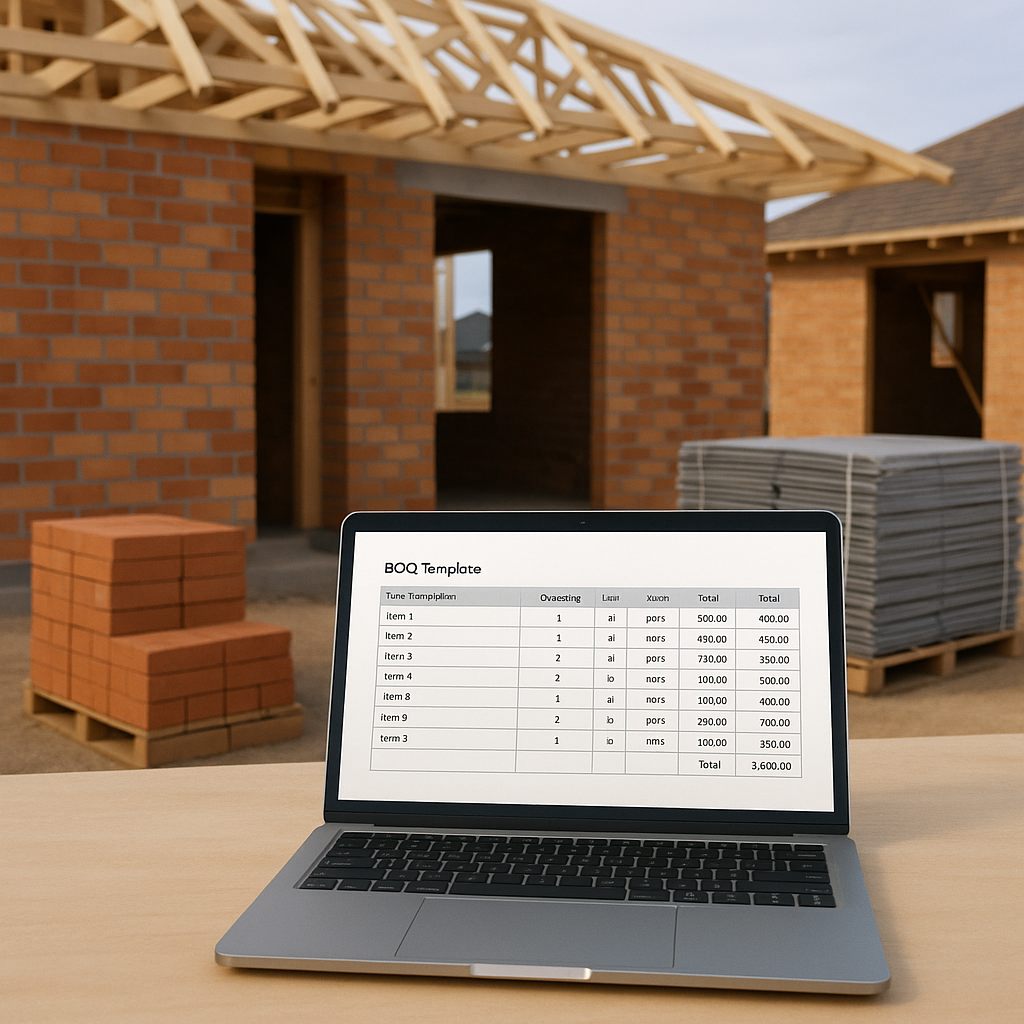
Structuring Your Residential BOQ: A Practical Template
A well-structured BOQ is more than just a list of items. It’s a roadmap that ensures clarity, pricing accuracy, and adaptability for both contractors and clients. Here’s a step-by-step breakdown:
1. Main Work Categories
Start by dividing your BOQ into major sections to keep it organized:
- Civil Works: Excavation, concrete, masonry.
- Finishes: Plaster, paint, flooring.
- Services: Plumbing, electrical, HVAC.
2. Subcategories
Each category should have detailed subcategories. For example:
- Civil Works ➝ RCC Slabs, Brick Masonry.
- Finishes ➝ 2-coat Plastering, Vitrified Tiles, Wood Finishes.
- Services ➝ Concealed Wiring, Stainless Steel Plumbing Fixtures.
3. Line Items
Precision is key here. Each line item should include:
- Item Description: Provide clear, detailed descriptions. For example, "200mm RCC Slab with M25 grade concrete."
- Quantity: Use exact measurements (e.g., 45.2 sqm).
- Unit: Specify units (e.g., sqm, kg, meter).
- Unit Rate: Ensure rates are current and region-specific (e.g., ₹850/sqm).
- Total: Multiply quantity × rate for accurate totals.
Worked Example — Flooring BOQ Line
| Item Description | Quantity (sqm) | Unit Rate (₹/sqm) | Total (₹) |
|---|---|---|---|
| Vitrified Tile Flooring | 120 | 950 | 114,000 |
| Laminate Flooring | 80 | 600 | 48,000 |
Practical Tips for Structuring BOQs:
- Use spreadsheets or specialized software to maintain consistency.
- Add notes for unusual items (e.g., "Imported Italian Marble – price may vary based on supplier availability.").
- Highlight high-value items like HVAC systems or premium finishes to ensure they get extra scrutiny.
Pricing Residential BOQs Accurately
Pricing residential BOQs is challenging due to frequent fluctuations in labor and material costs. Here’s how to stay on top of pricing:
1. Use Regional Rate Data
Always use up-to-date, region-specific pricing. In India, tools like EstimateNext pull rates directly from CPWD DSR catalogs and state SORs, saving you hours of manual research. This ensures your rates align with local market conditions and government standards.
2. Factor in Inflation
BOQs for residential projects often span months or years. If material costs spike mid-project — say, a 20% increase in steel prices — your profits can evaporate. Use tools with inflation adjustment features, like EstimateNext, to automatically account for cost variations.
3. Account for Variations
Residential clients frequently swap materials or request upgrades. For example, switching from standard concrete to fiber-reinforced concrete can affect costs significantly. Use software that allows instant material comparisons to update your BOQ seamlessly.
4. Include Contingencies
Add a contingency line (5–10% of total cost) to cover unexpected expenses. Make this explicit in your BOQ so clients understand the buffer.
Standardizing BOQ Outputs
Delivering a BOQ isn’t just about numbers; it’s about presentation. Clients and consultants expect professional, clean formats that inspire confidence. Here’s how to deliver:
Essential Output Formats
- Summary Sheets: High-level cost breakdown by category.
- Detailed Sheets: Line-by-line rates, quantities, and totals.
- Audit Trails: Reference rates, inflation factors, and overrides for transparency.
Tools for Standardization
Software like EstimateNext enables exports to CSI MasterFormat, NRM2, CPWD DSR, and AIA G703 formats. This eliminates the need for time-consuming manual formatting.
Pro Tip: Use PDF exports for final deliverables to ensure your BOQ looks polished and can’t be altered.
Common Mistakes to Avoid
- Overloading Categories: Don’t put everything under a catch-all “Miscellaneous” section.
- Ignoring Scope Changes: Use dynamic BOQs that update quantities and rates as the project evolves.
- Skipping Audit Trails: Always include references for rates to avoid disputes.
- Manual Rate Updates: Automate rate adjustments wherever possible to reduce human error.
FAQ
1. Can I use the same BOQ template for all residential projects?
No. Each project has unique requirements based on finishes, services, and client preferences. Customize your template for every project.
2. How often should I update my rates?
Update rates quarterly or whenever there’s significant market volatility. Tools like EstimateNext can auto-suggest updates based on CPI trends.
3. What’s the difference between a BOQ and BOM?
A BOQ (Bill of Quantities) includes labor, materials, and equipment costs. A BOM (Bill of Materials) focuses purely on materials.
4. How do I handle scope changes in a BOQ?
Use dynamic BOQs that allow real-time updates to rates and quantities. Tools like EstimateNext propagate changes across the entire document automatically.
5. Can I standardize BOQs across multiple projects?
Yes. Software like EstimateNext lets you build reusable templates with consistent formats and region-aware pricing.
Conclusion
BOQs for residential buildings don’t have to be overwhelming. With a solid structure, accurate pricing methodology, and professional outputs, you can win more bids, save time, and protect your margins. Tools like EstimateNext streamline everything — from rate lookups to automated exports.
If you’re still wrestling with Excel or outdated PDFs, it’s time to upgrade. Try EstimateNext free →
Learn more at JobNext.ai - Construction ERP
Put this into a real BOQ
Describe your project and get a complete, costed Bill of Quantities in about a minute — free to start.