



How to Use Free BOQ Tools for Faster Construction Estimates
Why Most Contractors Waste Time on BOQs
Let’s be honest—manual BOQ preparation is a grind. Digging through PDFs, cross-checking rates, and juggling Excel formulas feels like a full-time job. If you’re a preconstruction director or a QS, you’ve probably spent long hours trying to make sense of a BOQ for an upcoming bid meeting. Sound familiar?
Here’s the good news: You don’t need to work this way anymore.
Free BOQ tools, especially those like EstimateNext, have changed the game. They’re not just faster—they’re smarter. Let’s explore how they work.
The Core Problem: Rate Matching
One of the biggest time sinks in BOQ prep is rate matching. Let’s say you’re pricing a BOQ for a mixed-use project. Each line item needs a rate, broken down by material, labor, and equipment. If you’re working with CPWD DSR or RSMeans, you’re flipping through thousands of pages, searching for the right match.
It’s tedious. And mistakes are costly. A single wrong rate can throw your bid off significantly (or cost you the job entirely).
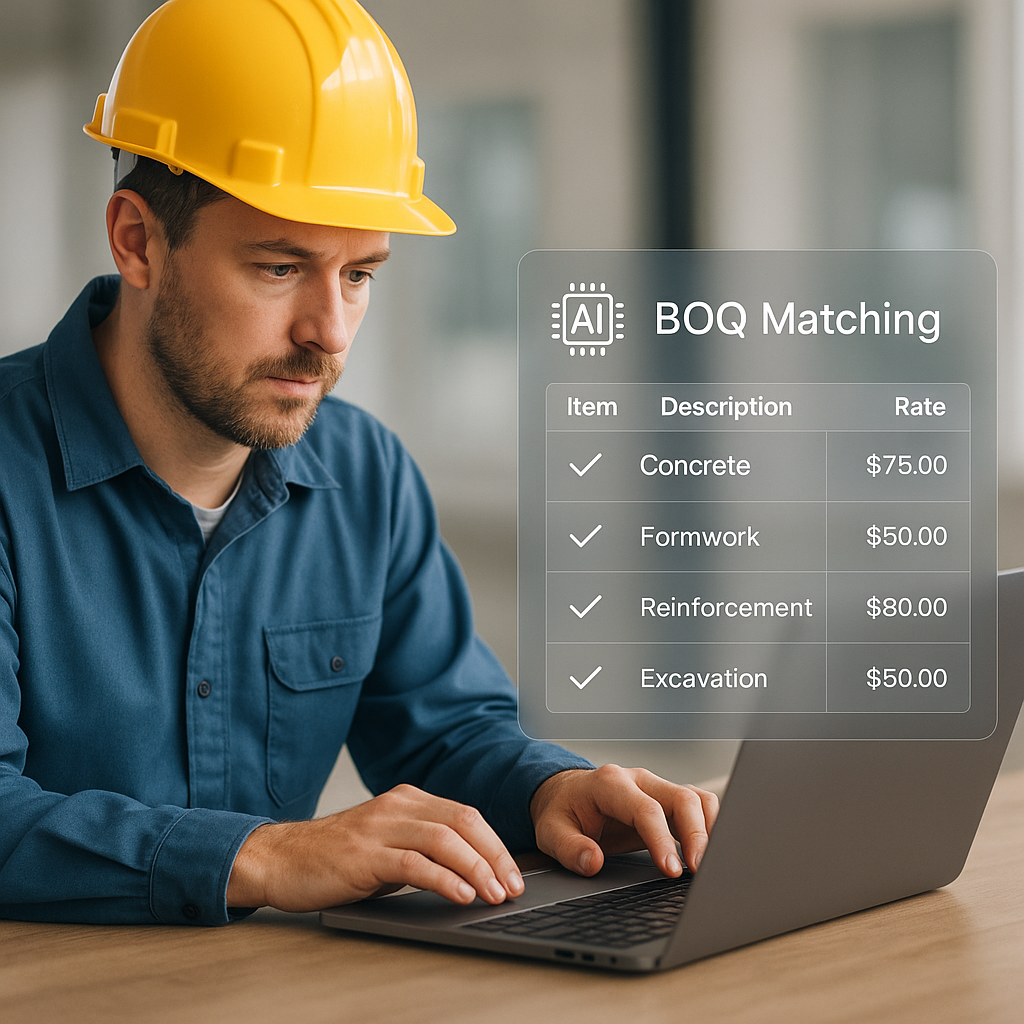
That’s where AI-powered rate matching tools shine. For example, some tools use a multi-step process to match your BOQ items:
- Tenant History: It checks if you’ve priced similar items in past projects.
- User Catalogs: Pulls from your own custom rate database.
- Country-Level Widen: Scans national SORs like CPWD DSR (India) or RSMeans (USA).
- AI Fallback: If all else fails, the AI suggests a rate based on similar items.
In practical terms, you upload your BOQ, and the tool helps generate a priced estimate. No flipping, no searching, no guesswork.
Step-by-Step: Using Free BOQ Tools
Here’s how you can use a free BOQ tool to speed up your estimation process:
- Upload Your BOQ: Start with an Excel or CSV file. Good tools can handle messy formats—merged cells, missing headers, you name it.
- Match Rates Automatically: Let the AI scan through its database to suggest rates for each line item.
- Adjust for Inflation: Apply CPI adjustments to ensure your rates reflect current market conditions.
- Export Your Estimate: Generate reports in formats like NRM2, CPWD DSR, or Excel—whatever your client requires.
Illustrative example — A contractor pricing a residential project could save significant time on rate matching by automating the process. This allows more focus on refining the bid strategy or pursuing new leads.
Common Mistakes to Avoid
Even the best tools can’t save you if you’re not careful. Here are three common mistakes to watch out for:
- Uploading Messy BOQs: AI tools aren’t magic. A poorly formatted BOQ can confuse even the smartest algorithms. Always clean up your file before uploading.
- Ignoring Local Adjustments: Rates vary by region. If you’re using CPWD DSR, make sure to adjust for your state’s cost index.
- Blind Trust in AI: Always review the AI’s suggestions. Many tools provide an audit trail so you can see exactly how rates were calculated.
What About Subcontractor Quotes?
Another headache during estimation is normalizing subcontractor bids. Let’s say you’ve got multiple quotes for HVAC work, each with different exclusions and scope descriptions. Comparing them manually can take a lot of time.
Some tools simplify this with AI-powered bid leveling. You upload the quotes, and the tool normalizes scope and ranks the bids. This can significantly reduce the time spent on this process.
FAQ: What You Need to Know
Q: Are free BOQ tools really free?
A: Most offer a free tier with basic features. Paid plans unlock advanced tools like AI rate matching or bid leveling.
Q: How accurate are AI rate matches?
A: Accuracy depends on the quality of the database. Always double-check critical items.
Q: Do I need to be tech-savvy?
A: Not at all. Most tools are designed for ease of use. If you can upload a file and click a few buttons, you’re good to go.
Q: What if my BOQ is incomplete?
A: Many tools can handle partial or messy BOQs but expect to spend some time cleaning up the file for best results.
Q: Can this replace my estimator?
A: No. Tools are great for speeding up repetitive tasks, but humans are still needed for judgment calls and strategy.
Ready to Save Time on BOQs?
If you’re tired of wasting hours on manual estimation, it’s time to try a BOQ tool. EstimateNext offers a free tier to get you started. Upload your first BOQ and explore how much time you can save.
Start working smarter today.
Learn more at JobNext.ai - Construction ERP
Put this into a real BOQ
Describe your project and get a complete, costed Bill of Quantities in about a minute — free to start.